Follow the script through voice selection, listening, and scene placement. Keep the approved words close to the audio so revisions remain easy to compare.
Bring the spoken script into your project
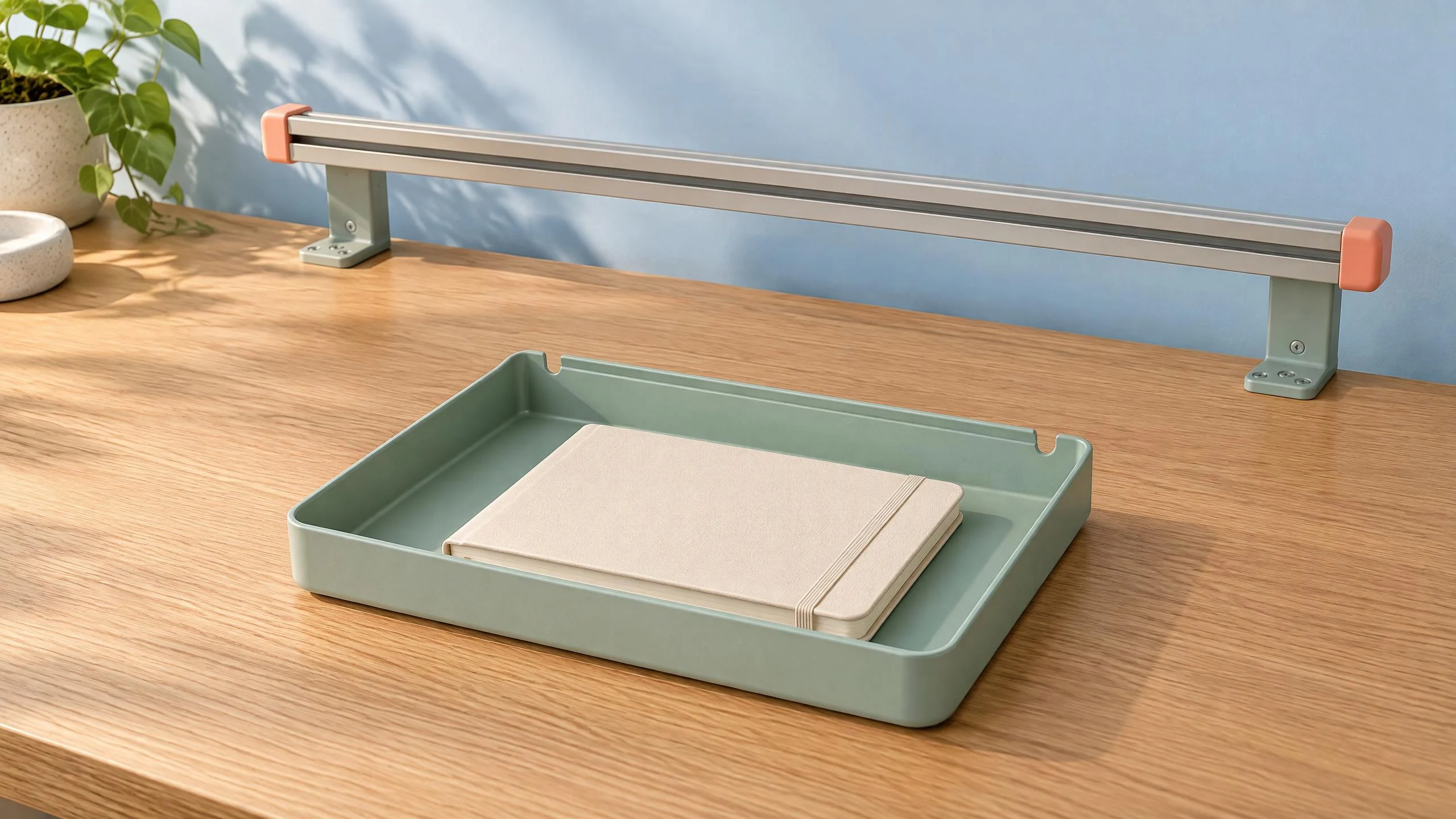
Open an OiiOii project and put the narration text in the canvas or share it with the Agent. Identify which lines should be spoken and which are direction. Include the audience, delivery, and scene the words accompany. For the desk-tray example, keep the three spoken phrases separate from the note requesting a warm, unhurried reading.
Generate and audition the voice
Ask for voice narration of the supplied lines. When the narration belongs to a character, use the character card to generate and preview its voice. Listen to a representative line before continuing with more dialogue. Choose the reading that carries the intended meaning, and reuse the character voice when that character needs another line.
Check the complete reading
Play the narration from beginning to end while following the script. Check names, numbers, missing words, sentence endings, and pauses. If a line sounds awkward, revise the spoken wording or delivery request and generate a revised reading. Use generation history to compare versions. Keep the version that communicates the sentence clearly, not simply the first result.
Connect the narration to the right scene
Reference the chosen audio in your canvas or apply the voice within the corresponding storyboard workflow. Play the scene with its narration and any music. If the words outlast the action, shorten the sentence or revise the scene timing before finishing the edit. OiiOii supports editing and exporting video clips or the assembled video, so review the combined result before export.