1. Start with a sentence
Select Story Video and describe the story you want to tell. The Agent develops your idea into a script for you to review.
Your next animated story starts with one sentence.
Choose Story Video, describe your idea, and let the Agent build your animation from script to finished video. Review the script, characters, scenes, and storyboard as you go. Approve each stage or ask for changes in the conversation.
OiiOii brings the whole production process into one conversation. The Agent writes the script, designs characters and scenes, creates the storyboard and generation prompts, generates the video clips, and combines them into the final animation.
Select Story Video and describe the story you want to tell. The Agent develops your idea into a script for you to review.
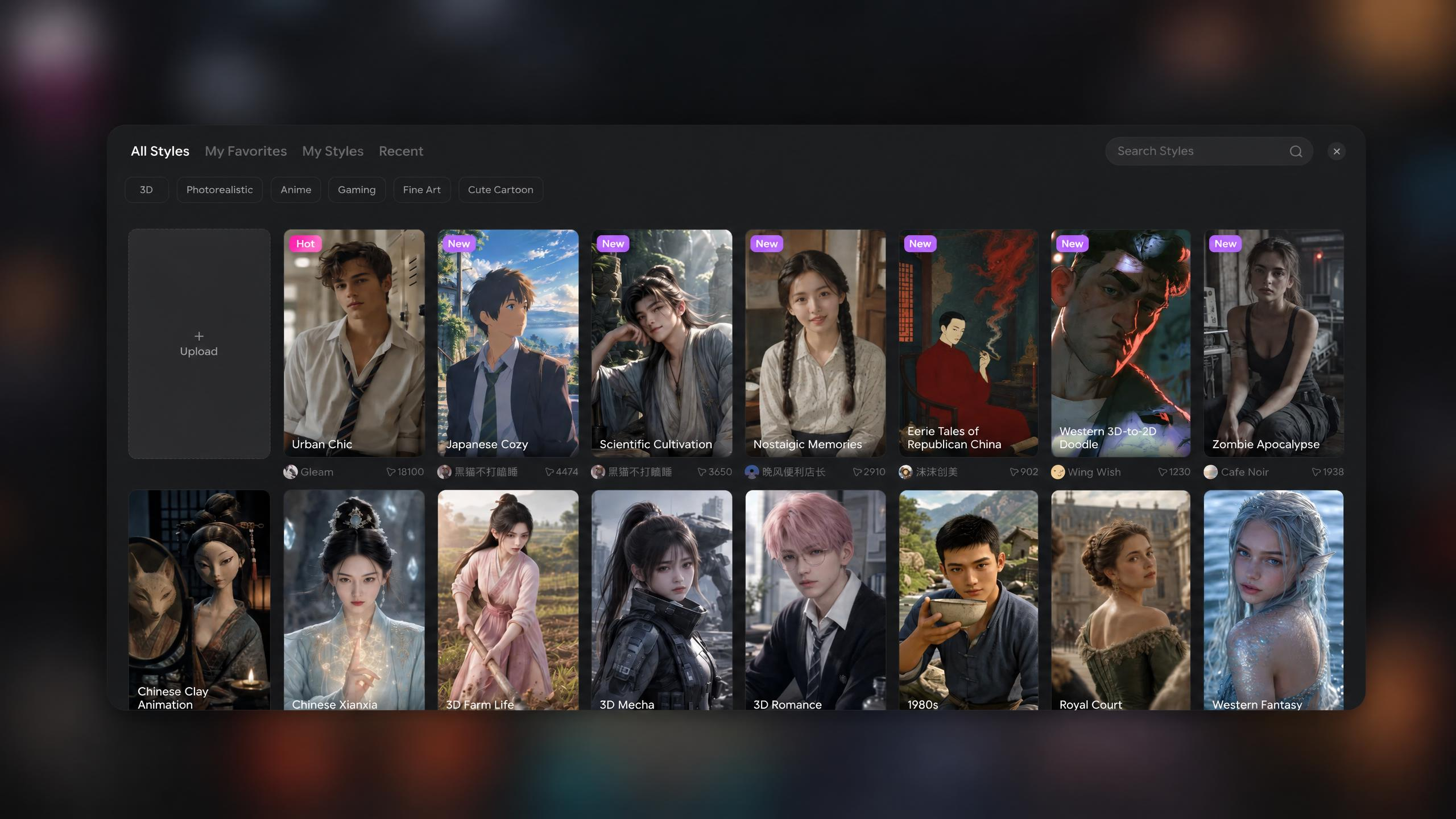
Before you confirm the characters and scenes, the Agent asks you to choose from 184 styles. For anime, pick an anime style you love. Then review the character and scene designs, and ask for any changes in the conversation.
See how the story unfolds across shots. Ask for changes to the action, framing, or sequence; the Agent updates the storyboard and writes the prompts.
Once you are happy with the plan, continue. The Agent generates the storyboard videos and assembles the final animation.
Meet a familiar monument with a personality and two rivals with a score to settle. Explore character-driven animations with dialogue, action, and a story to tell.
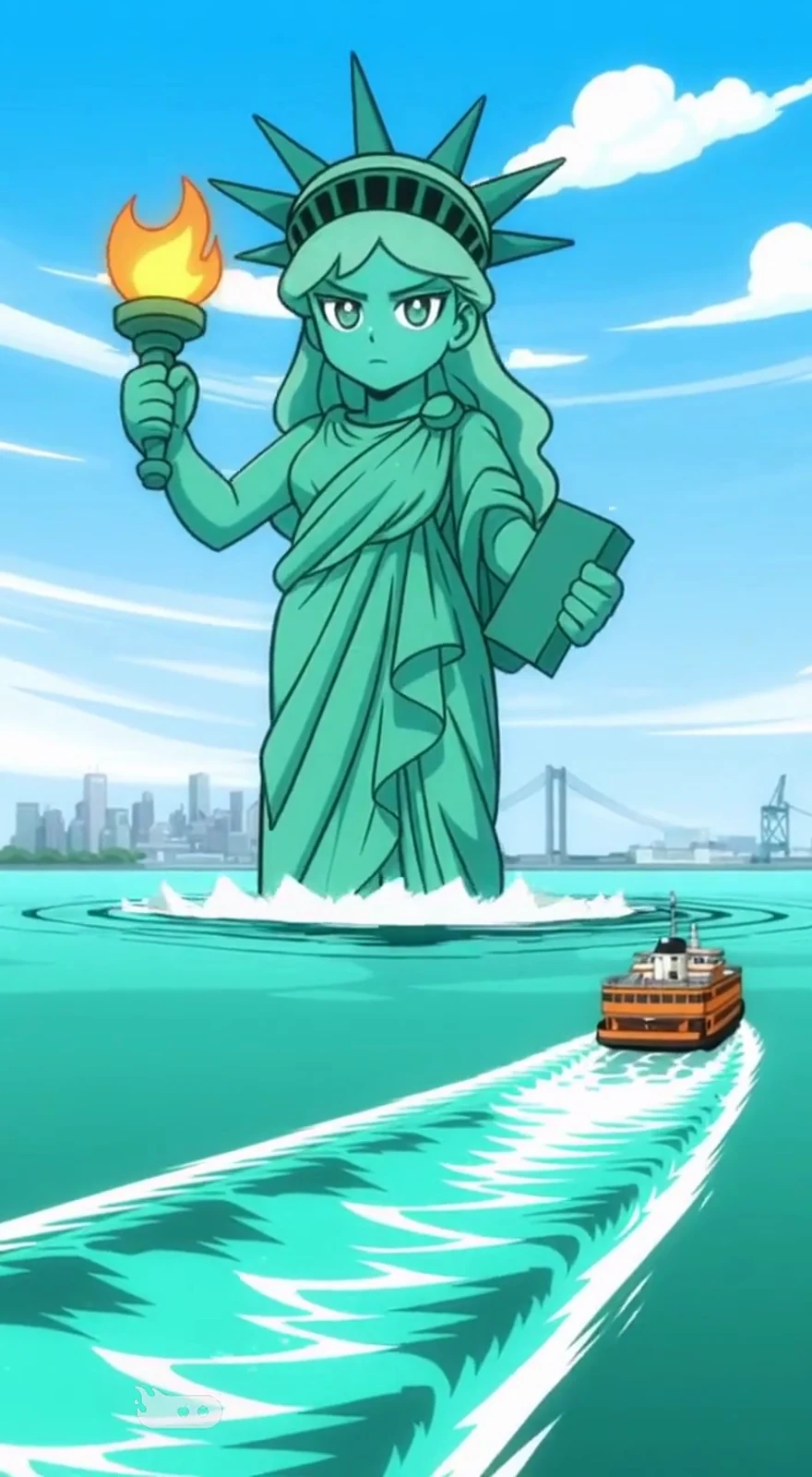
A familiar New York icon shares the less glamorous side of standing tall all day.
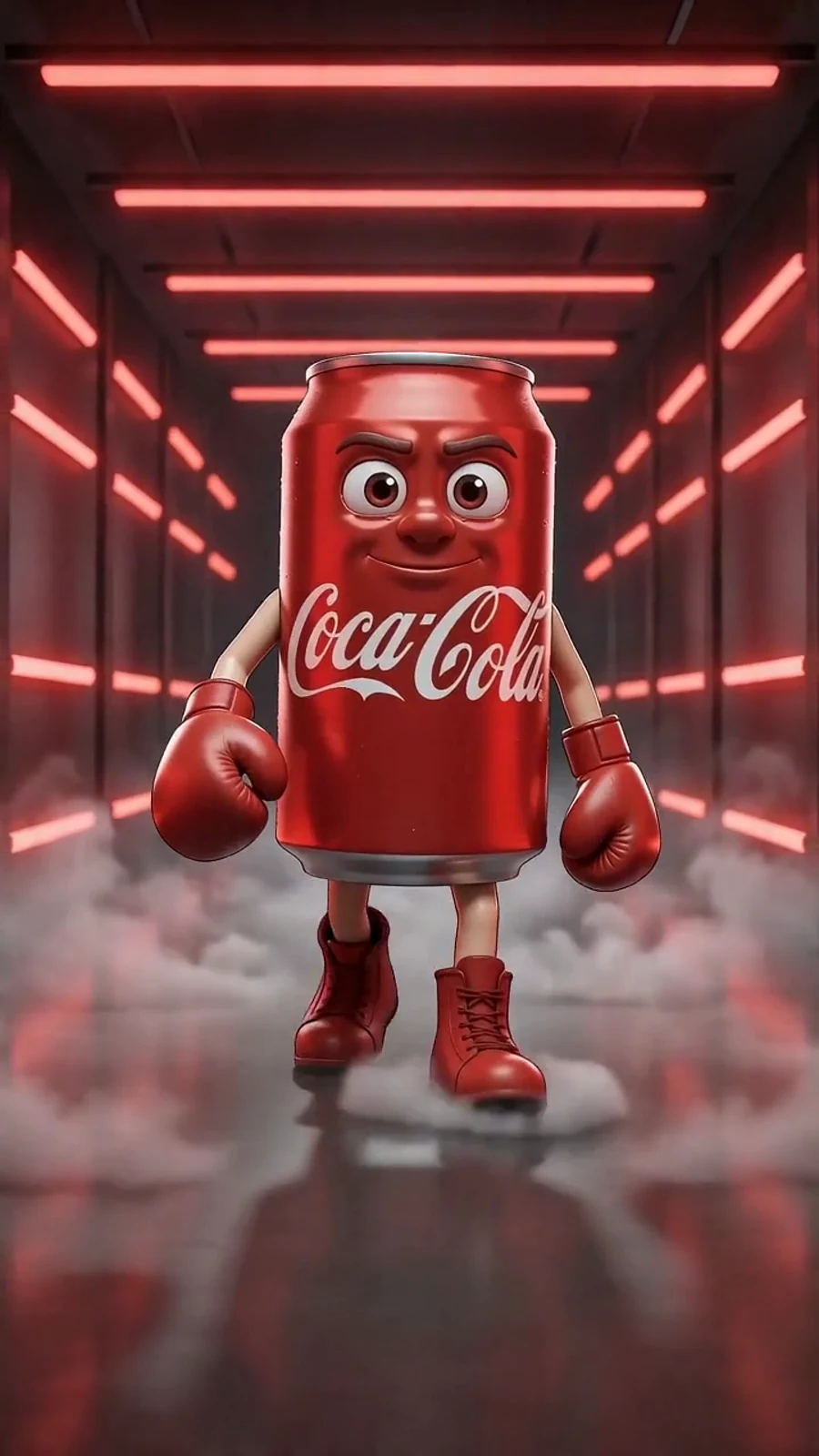
Two rival cans bring big personalities, sharp dialogue, and years of rivalry into a boxing match.
A sentence is enough to begin. Tell the Agent who the story is about and what happens, then shape the details together as it builds your animation.
Already have a script or character artwork? Upload what you have, explain where you want to take it, and let the Agent complete the remaining steps. Use image to animation to develop existing artwork into a moving story.
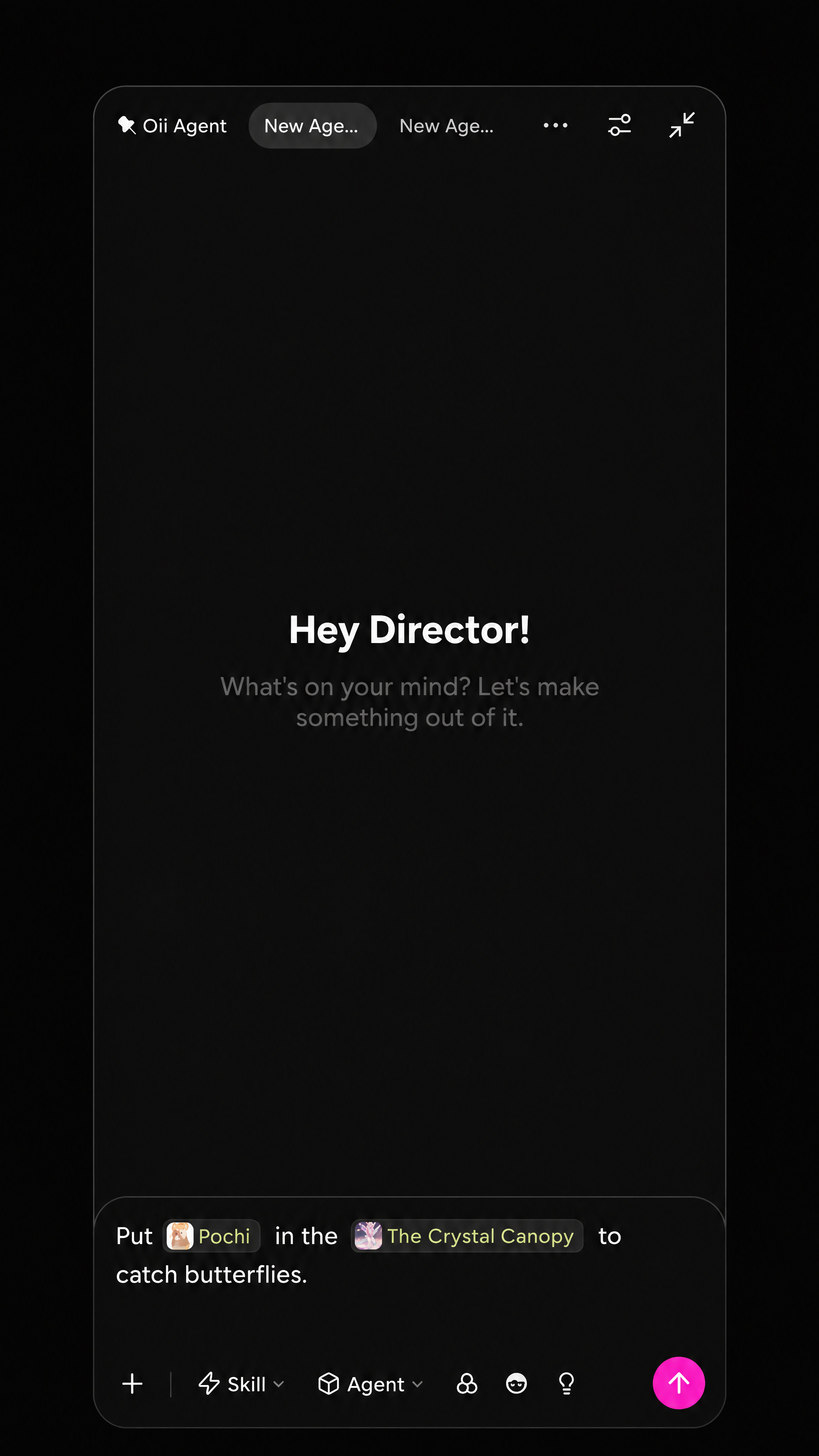
Save characters and scenes created by the Agent as assets. Next time, @-mention those assets in your conversation to bring them into a new story.
Story Video excels at animated storytelling, including anime. The Agent guides you through choosing a style before you confirm the characters and scenes. With 184 styles to choose from, you can pick an anime look you love or explore a realistic, live-action look. Review the designs and ask for changes in the same conversation.
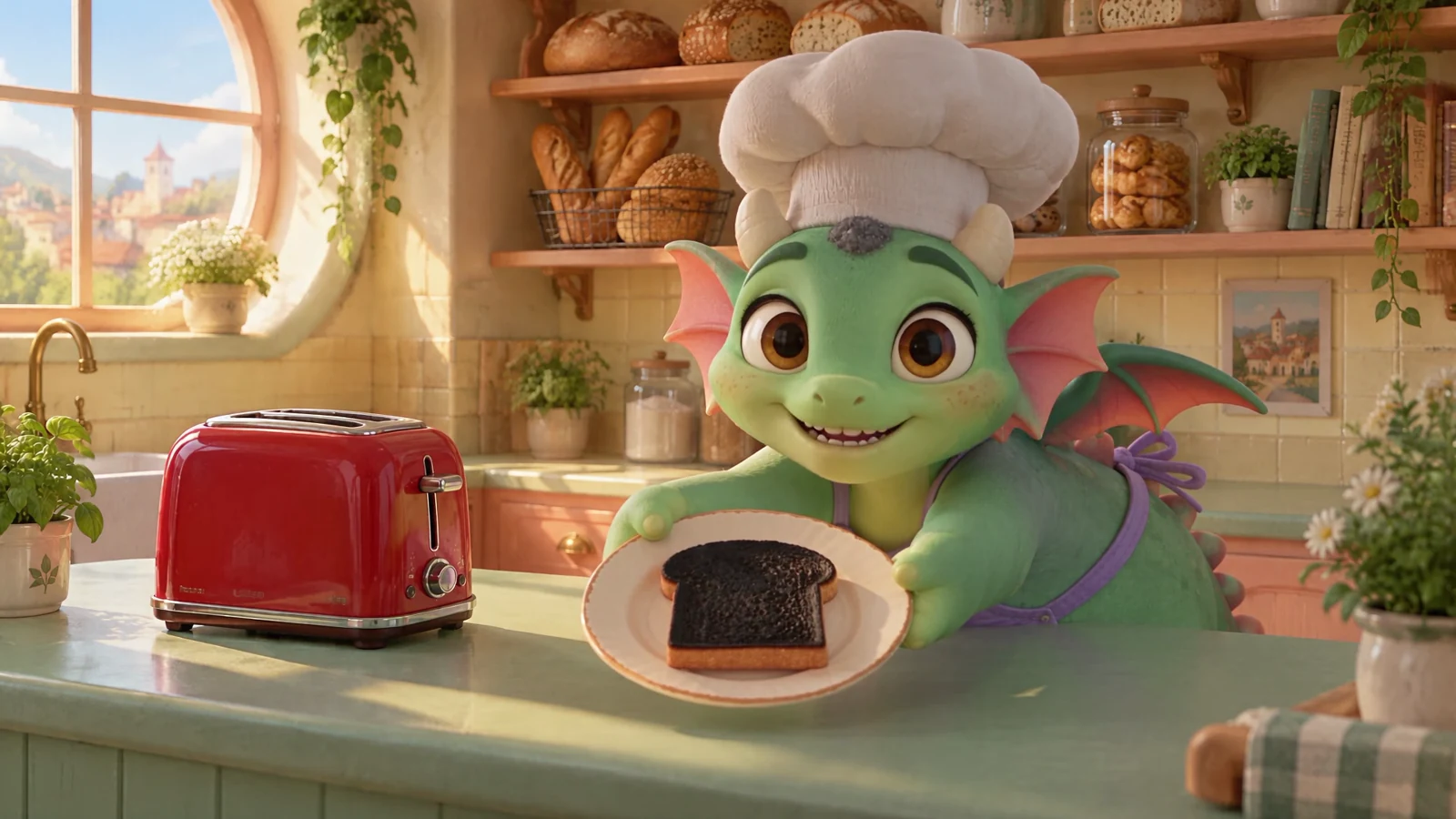
A tiny baker, a surprise sneeze, and an unfortunate slice of toast become a playful 3D animation.
Keep directing the story while the Agent handles production. Ask for a new character outfit, a warmer setting, or a different storyboard ending. Review the revised version and continue when it feels right.
An AI animation generator turns ideas or visual references into animated videos. With OiiOii, the Agent also handles the steps around generation: writing the script, designing characters and scenes, planning shots, and assembling the finished story.
Select Story Video and enter one sentence about your idea. Review the script, then choose a style when the Agent prompts you, before confirming the characters and scenes. Review the storyboard, approve each stage or request changes in the conversation, then continue to video generation and final assembly.
Upload your character artwork or reference images and describe the story you want to create. The Agent can use what you provide to develop the remaining elements and animation. If you already have a script, upload that too.
Yes. The Agent develops the story into a storyboard, writes the shot prompts, generates the video clips, and combines them into a final animation. You review the creative stages along the way, rather than having to organize every production step yourself.
Save a character the Agent creates as an asset. Next time, mention that asset with @ in your conversation with the Agent to reuse your saved character materials. Scenes work the same way: save a scene as an asset, then @-mention it whenever you want to use it again.
OiiOii offers 184 styles. Story Video is especially suited to animation, including anime, and also supports realistic, live-action looks. Before you confirm the characters and scenes, the Agent asks you to choose a style. For an anime story, simply pick an anime style you like, then review the designs and request any changes in the conversation.
Look at how easily you can start, what creative decisions you can review, and whether the tool helps you finish the whole story. OiiOii combines an AI animation maker with an Agent-led workflow, from a sentence or existing materials to a finished video.
Start with one sentence. Shape it with your Agent. See it become an animation.