Turn Anime Images Into Video
Bring character art, manga panels and anime stills to life. Upload the image, describe the motion, get a 30-second shot.
Anime image to video, in one step
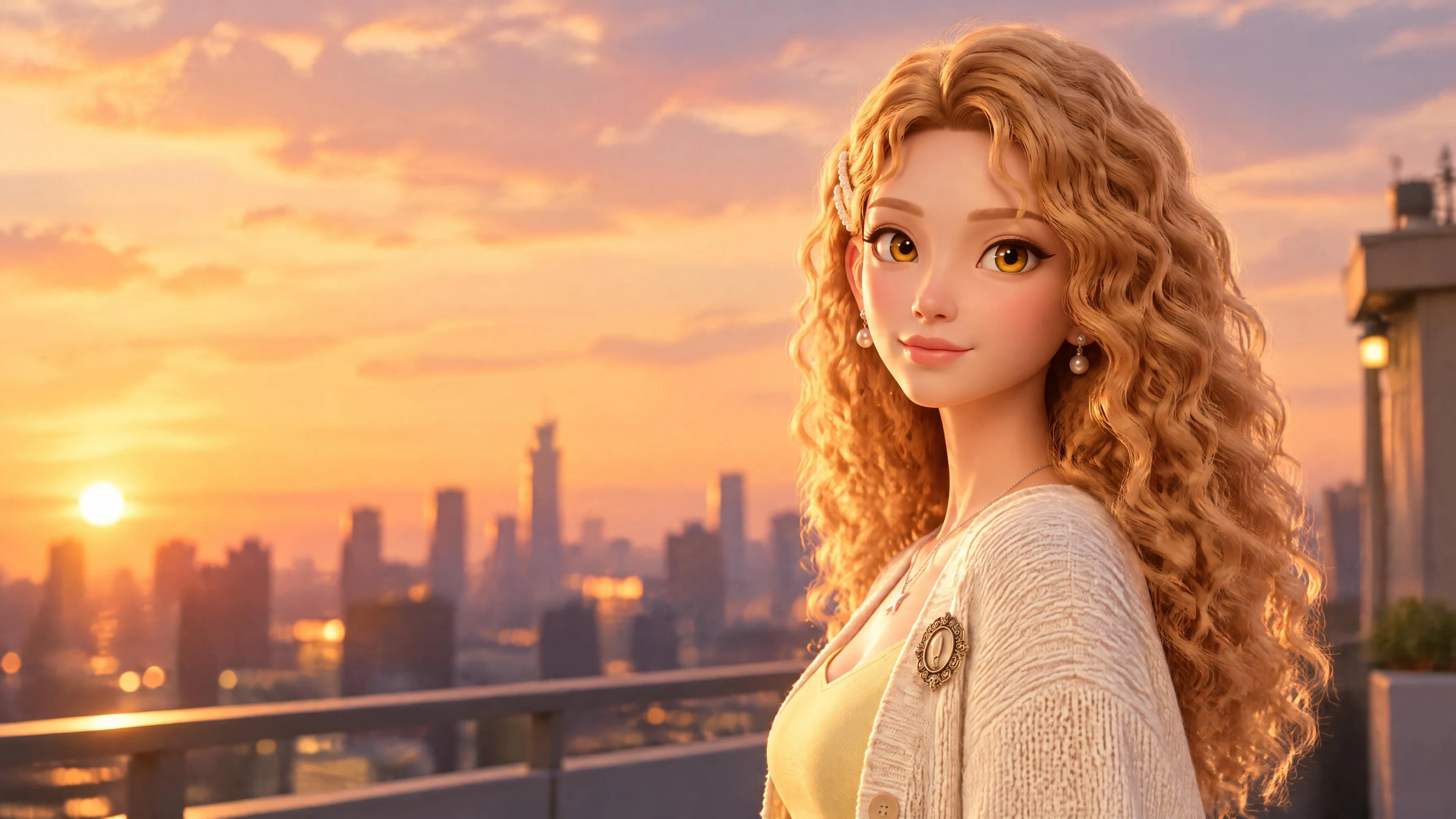
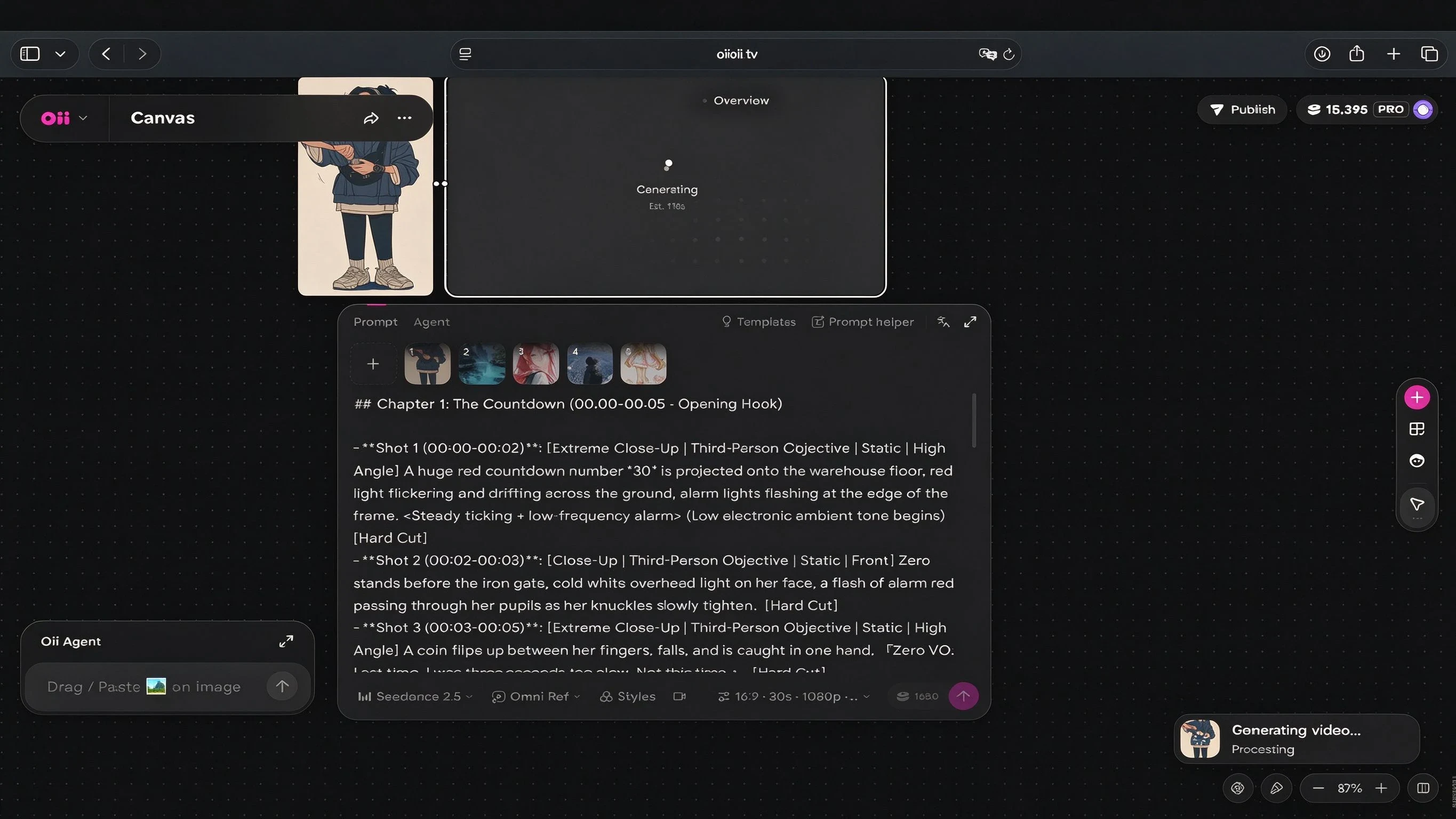
Upload a piece of anime art and describe how it should move. Seedance 2.5 reads the image as a reference
rather than as a first frame to be redrawn, so the character keeps the line work, colour and proportions of the
original instead of being reinterpreted into a generic style.
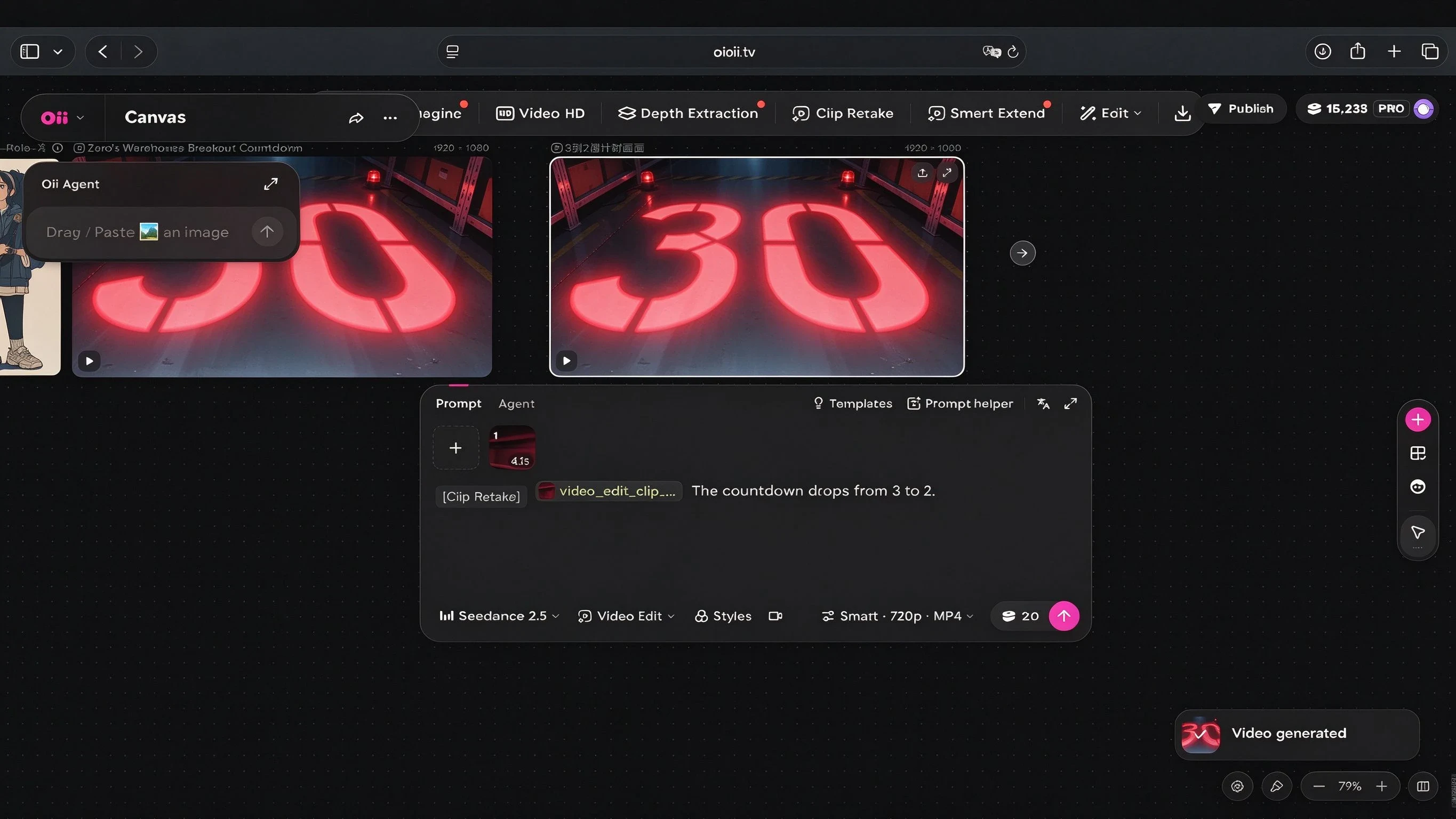
Each generation returns one continuous 30-second shot with audio, rather than a two-second loop. For anime
that difference is decisive: a loop shows that a still can move, a 30-second shot is a scene.
Keeping the character the same
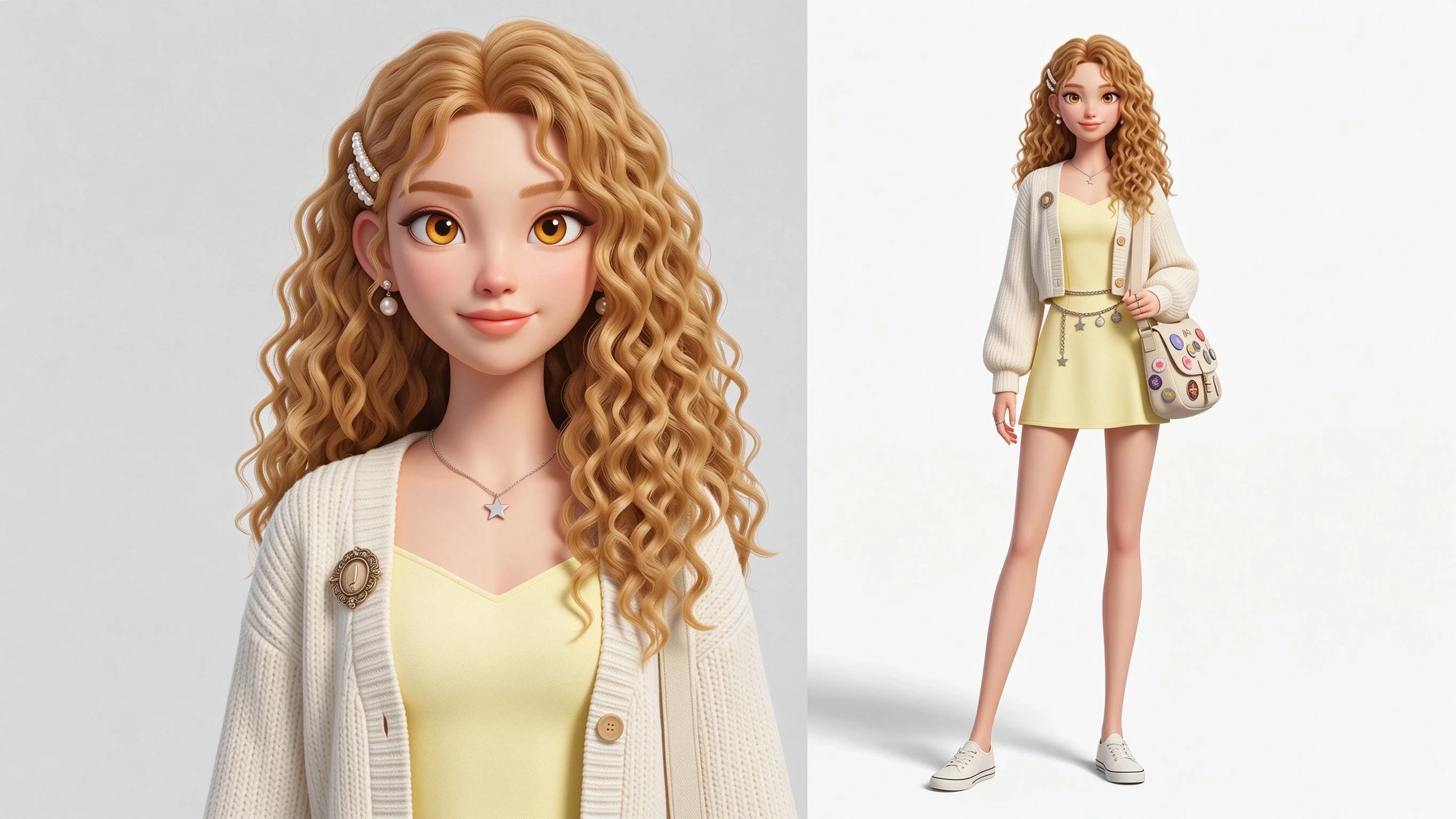
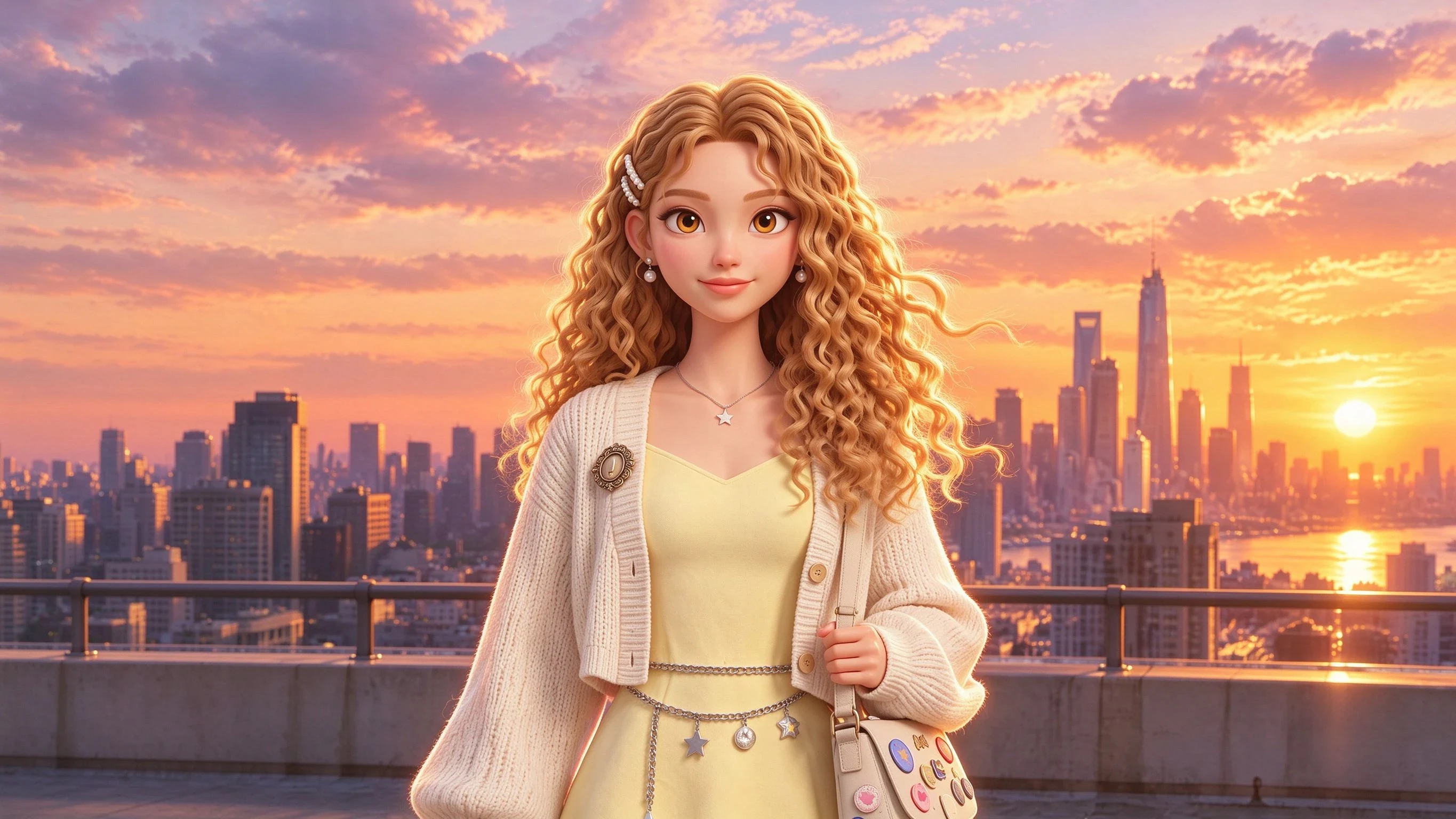
The hardest part of AI anime is not motion, it is identity. A character whose hairline, eye shape or costume
detail shifts between shots reads as a different character, and no amount of motion quality recovers it.
OiiOii builds a reusable character definition once, then carries it through every scene, so the protagonist in shot
twelve is the one from shot one. Reference images lock the design before generation starts, and because up to
50 references can be supplied in a single run, a full character sheet can be used as input rather than a single
view
Free anime image to video
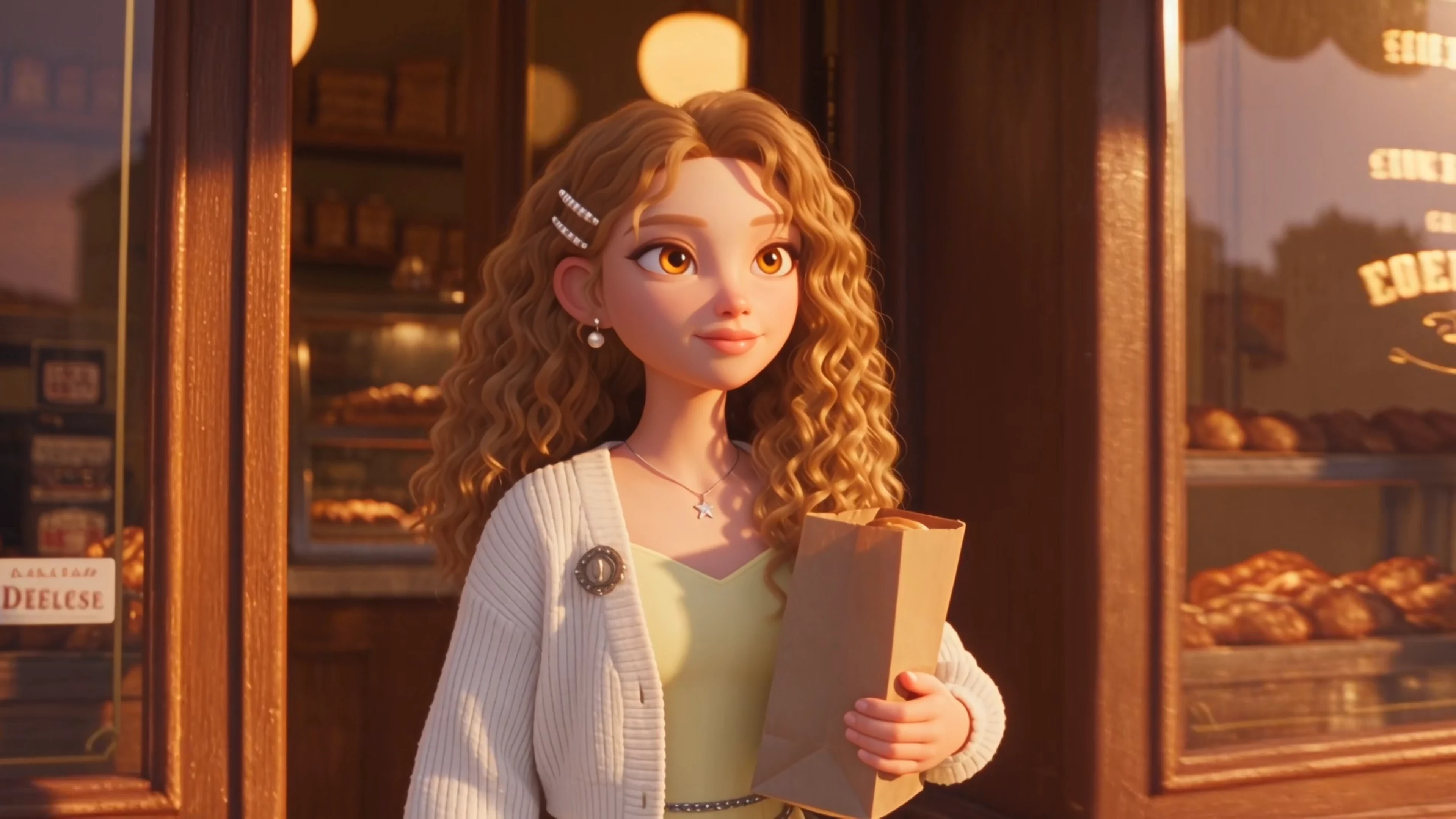
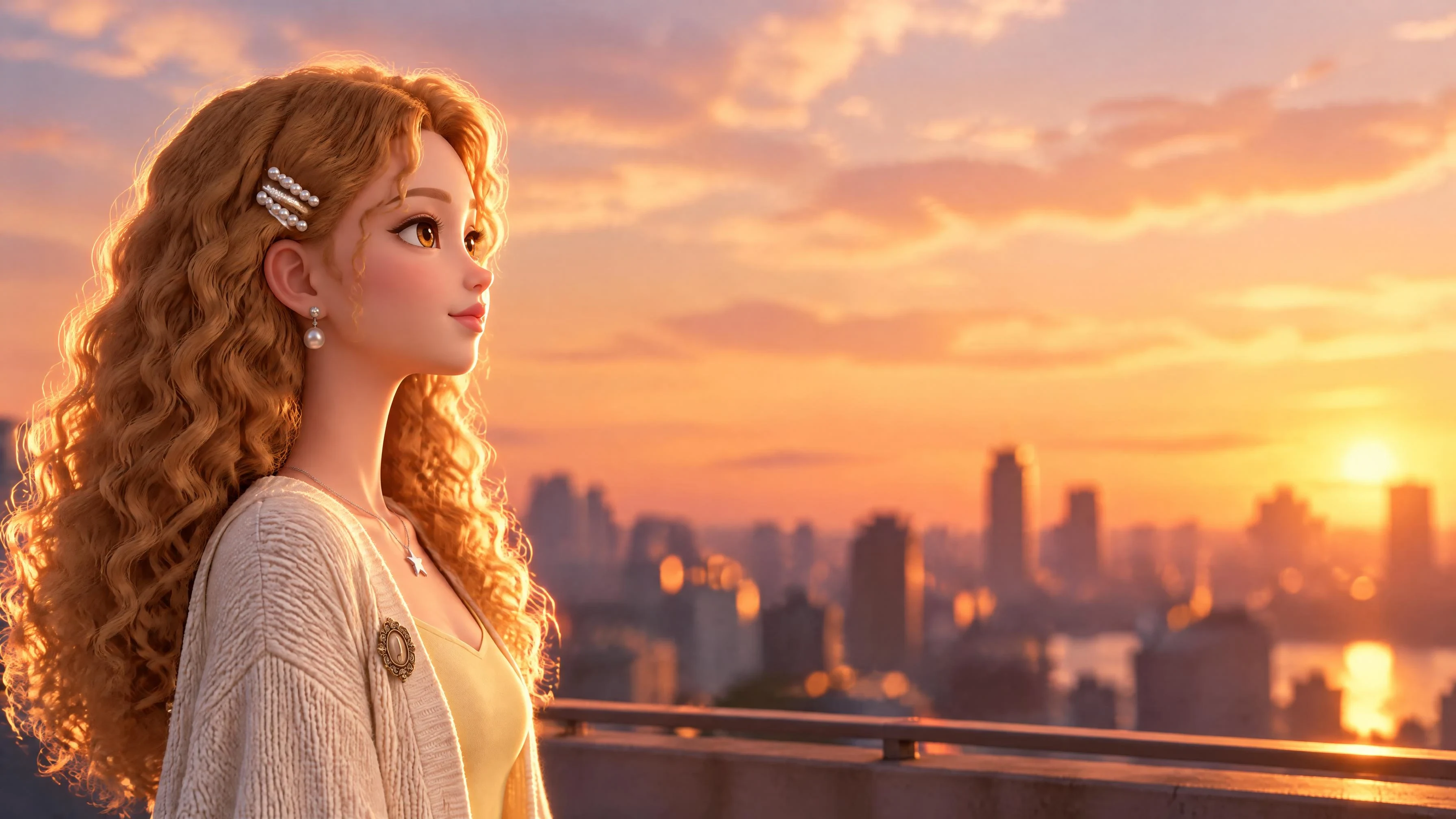
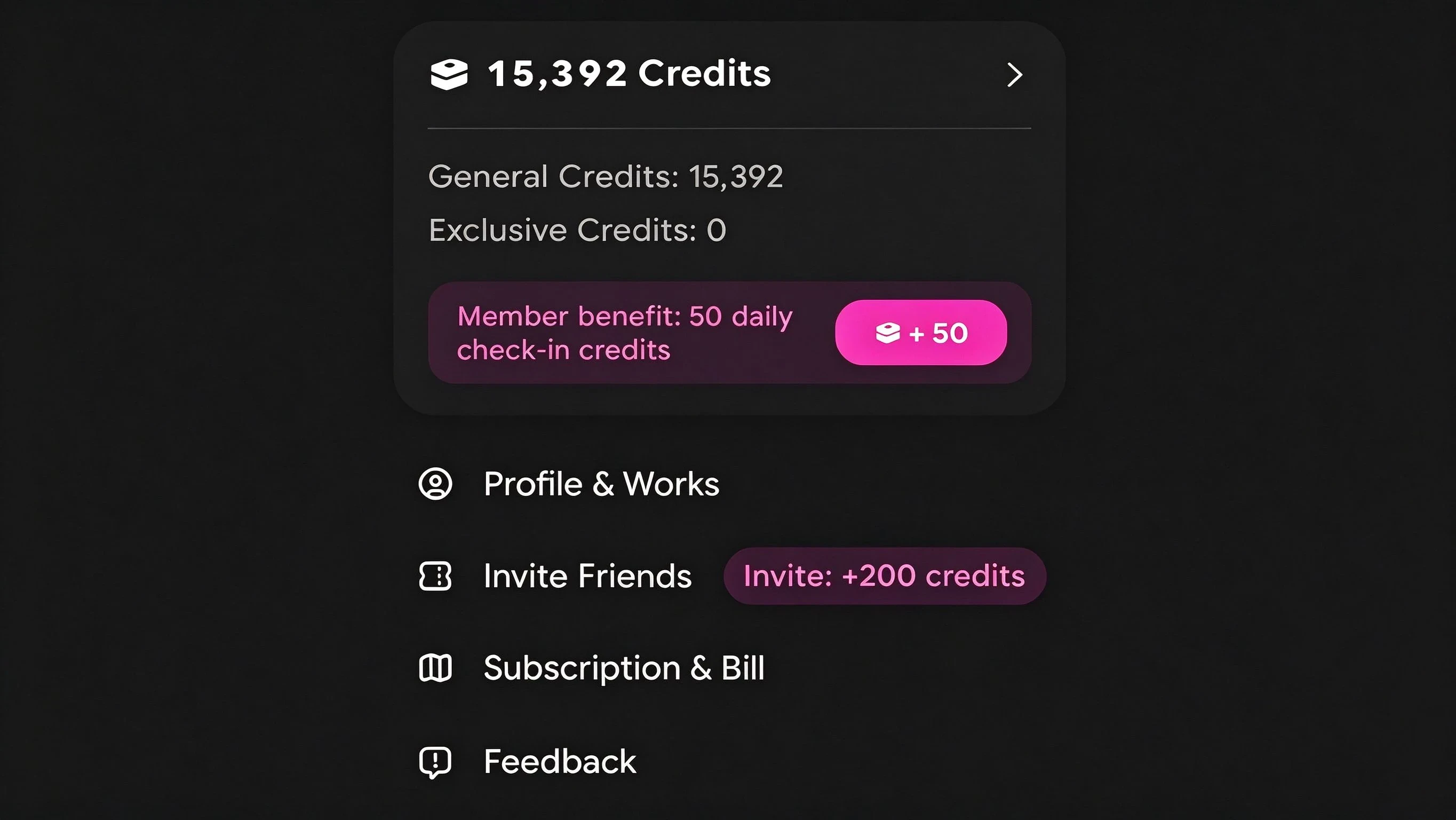
You can animate anime images on OiiOii without paying up front. New accounts receive starting credits, and
daily check-in adds more, which is enough to test the model on your own art before committing to a plan.
Generations spend credits according to shot count, duration and resolution, so short test shots at lower resolution cost the least — the practical way to evaluate the model on a free balance is several short shots rather than one full-length 4K render. Paid plans start at $17 per month on quarterly billing when you need volume, and every paid tier exports without a watermark.
Turn manga into video
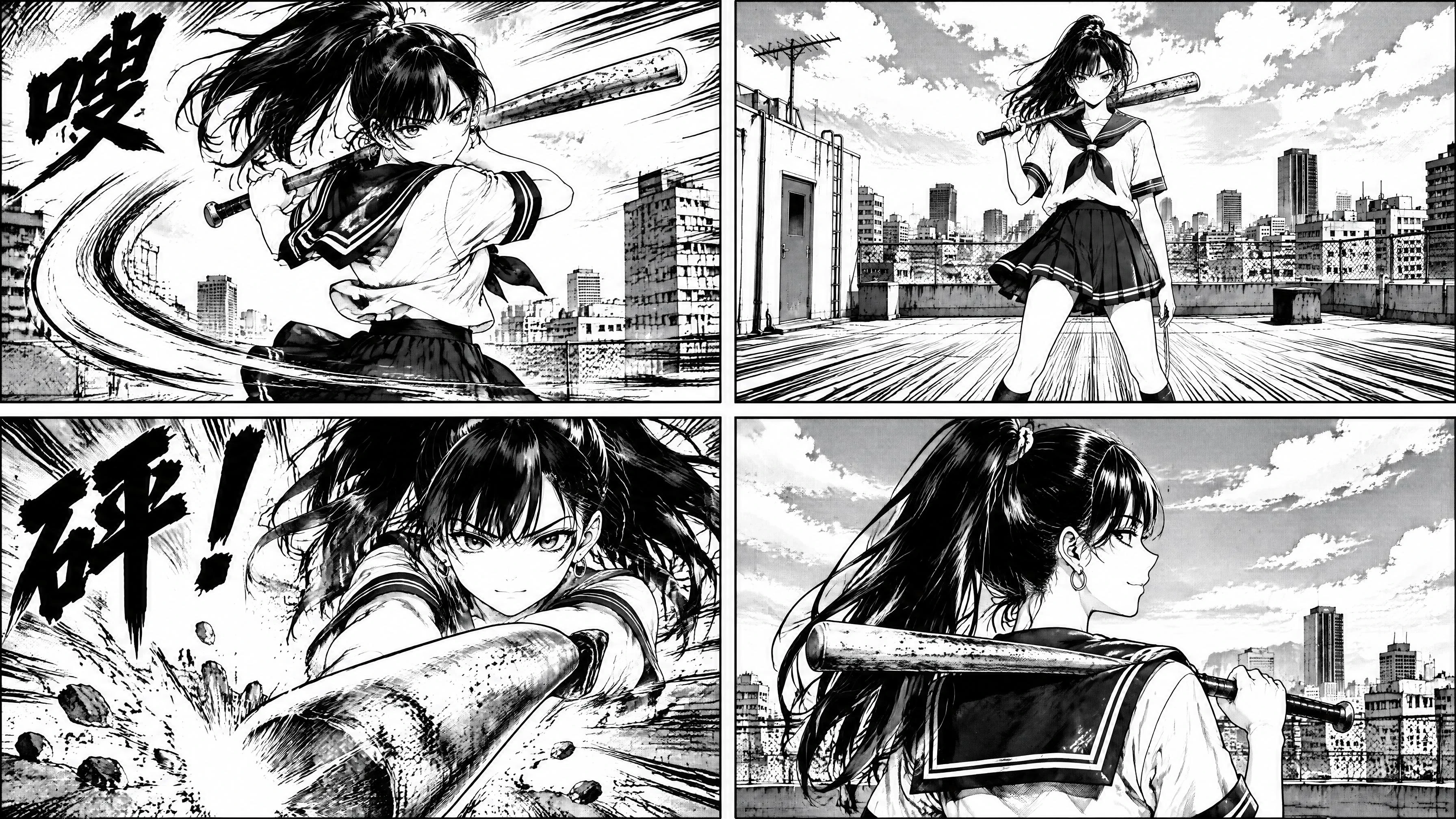
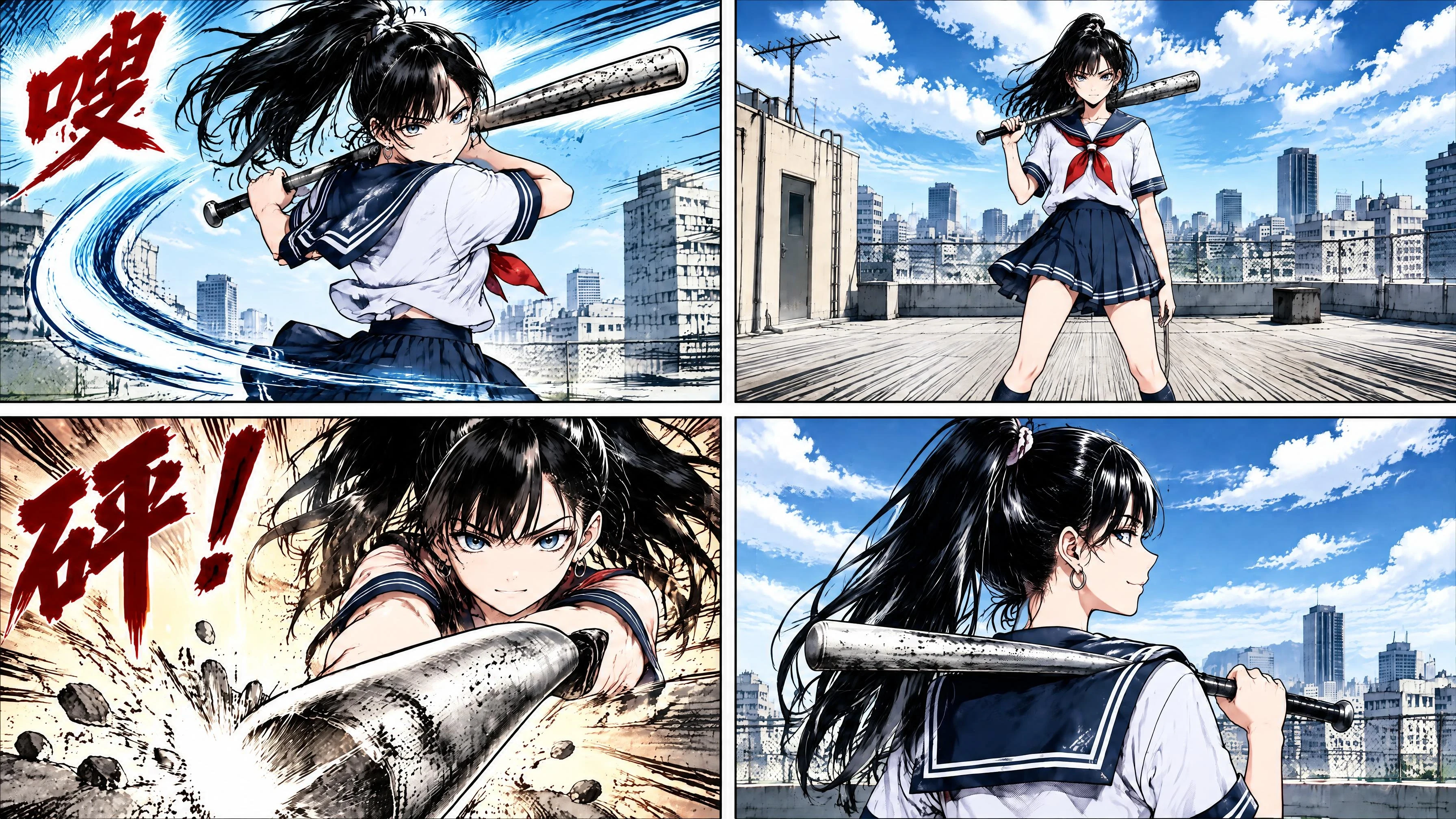
A manga page is already a storyboard: the panels carry the shot order, the framing and the beat. What they lack is motion and time. Upload the panels in reading order, describe how each should move, and each becomes a shot.
Two things make manga harder than a single character illustration, and both are handled at the input stage rather than in post. The first is that panels share characters, so the same face has to survive across every panel — the character definition is built once from the clearest panel and reused. The second is that manga is usually monochrome with screentone, and a naive colourisation flattens the line work; supplying a colour reference alongside the panel keeps the linework intact while the palette comes from the reference.
Audio is generated with the motion, so a panel with an action line or an impact mark comes back with sound
rather than needing a separate pass.
How it works
-
Upload your anime image. Character art, a manga panel or a style reference.
-
Add more references if you have them. Up to 50 per generation — a character sheet, a colour script, an audio track.
-
Describe the motion and the shot you want.
-
Generate, then use area editing to fix any region without redoing the whole shot.
What you can animate
Character art, manga panels, original character designs, fan art you own the rights to, and style boards. Output
covers anime sequences, animated music videos, opening-title style pieces and short-form social clips.
FAQ
① What is the best AI image to video tool for anime style?
For anime the deciding factors are shot length, character consistency and native anime handling rather than raw resolution. OiiOii runs Seedance 2.5, which produces a continuous 30-second shot per generation, reads up to 50 references and handles anime and manga natively.
② Is there a free AI image to video tool for anime?
You can start free on OiiOii. New accounts receive starting credits and daily check-in adds more, which covers testing on your own art.
③ Will my character look the same in every shot?
Yes. Character designs are defined once and reused across scenes, and reference images lock the look before generation.
④ Can I animate a manga panel?
Yes. Upload the panel as a reference and describe the motion. The line work and proportions of the original are preserved.
⑤ How do I turn manga into video with AI?
Upload the panels in reading order and describe the motion for each. Panels already carry the shot order and framing, so each becomes a shot, with the character definition reused across panels to keep faces consistent.
⑥ Can it colour black and white manga?
Yes. Supply a colour reference alongside the panel so the palette comes from the reference while the original line work is preserved.
⑦ How long can one anime shot be?
Each generation produces one continuous 30-second shot, with no stitching.
⑧ Does it generate sound?
Yes. Audio is generated in the same pass as the motion, so movement and sound stay in sync.
⑨ Do I keep the rights to what I generate?
Paid tiers export without a watermark. Use source art you own or have the rights to.