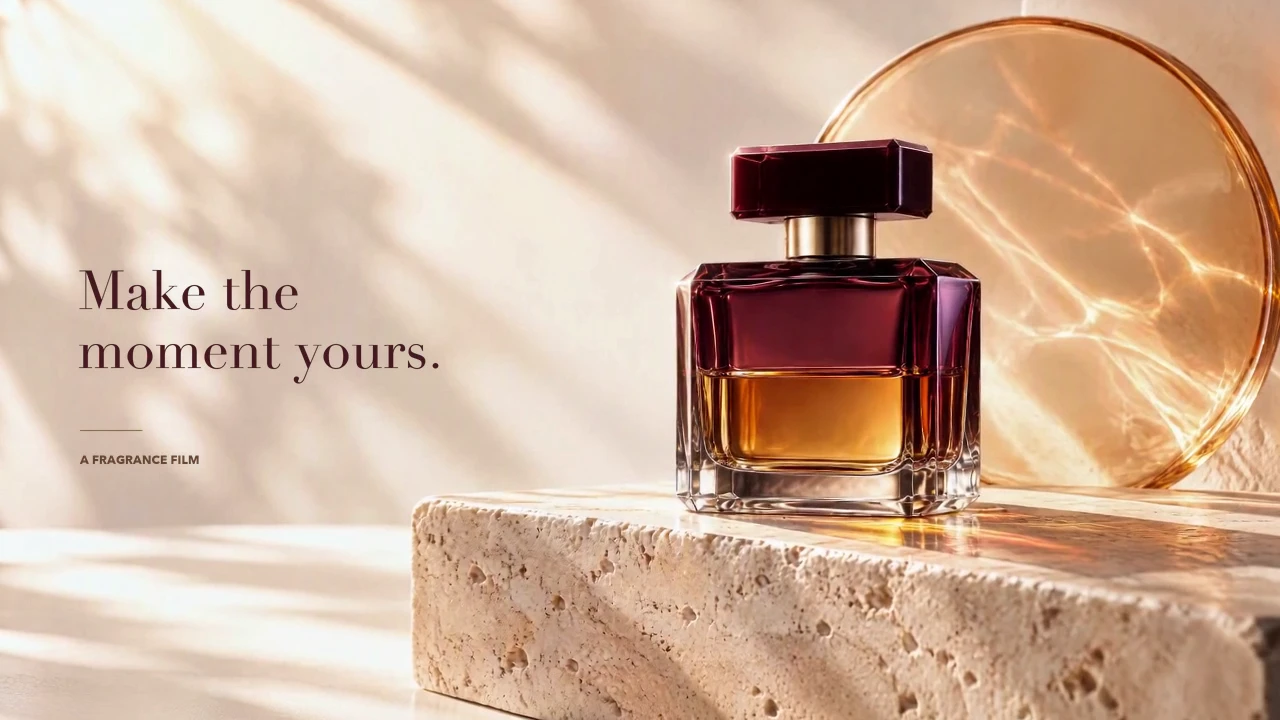
A Fragrance Ad in Bright Daylight
Warm daylight brings out the burgundy glass and amber liquid. Product close-ups lead to a clear final composition with the line “Make the moment yours.”
Turn a scene idea into a video you can review and refine. Use Seedance 2.0 Fast on OiiOii to explore motion, framing, and visual style, then develop the direction that fits your project.
Describe a scene when you want to explore a new idea. For an image-to-video workflow, start with an image and explain what should move, how the camera should follow it, and where the action should end.
Keep the first test focused. One clear action makes it easier to judge the result and decide what to change next.
Explore a Seedance 2.0 video idea through product lighting, a creator's presentation, or a cinematic fantasy scene. Review the clips to see how the scene direction translates into motion.
Warm daylight brings out the burgundy glass and amber liquid. Product close-ups lead to a clear final composition with the line “Make the moment yours.”
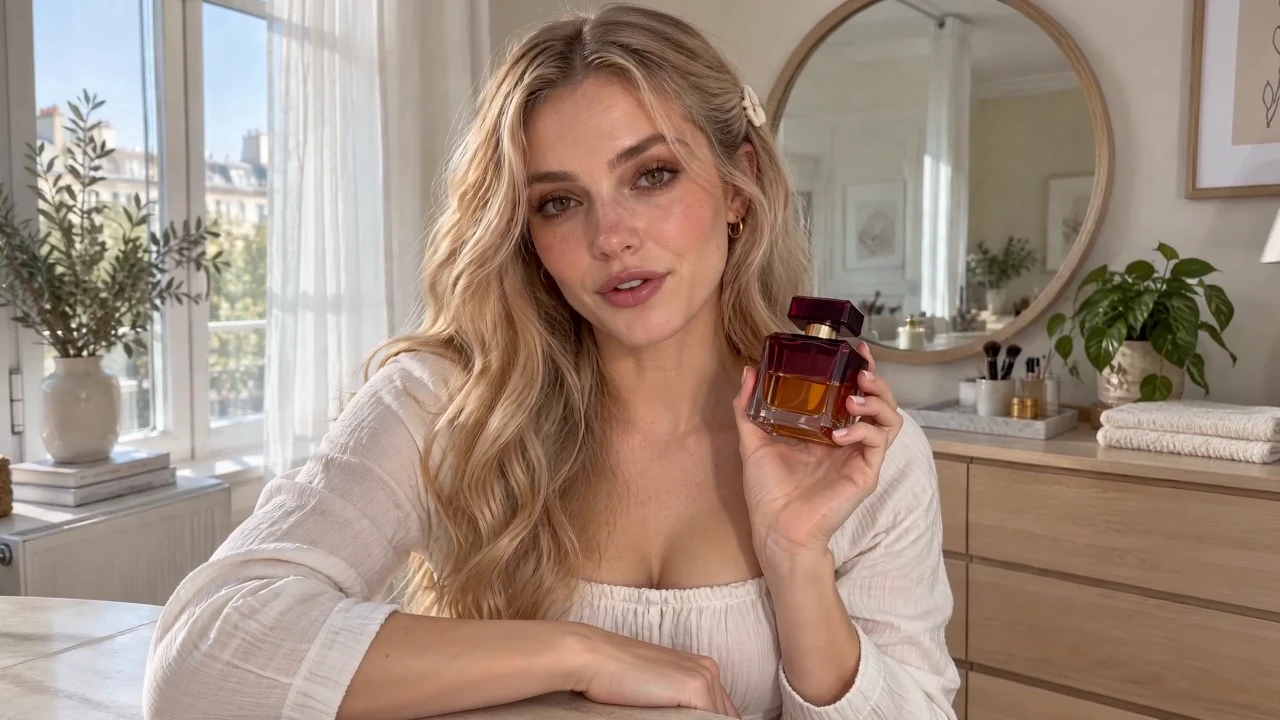
A creator presents the same bottle in a bright apartment. A short introduction and a closer product view turn the idea into a UGC-style video.
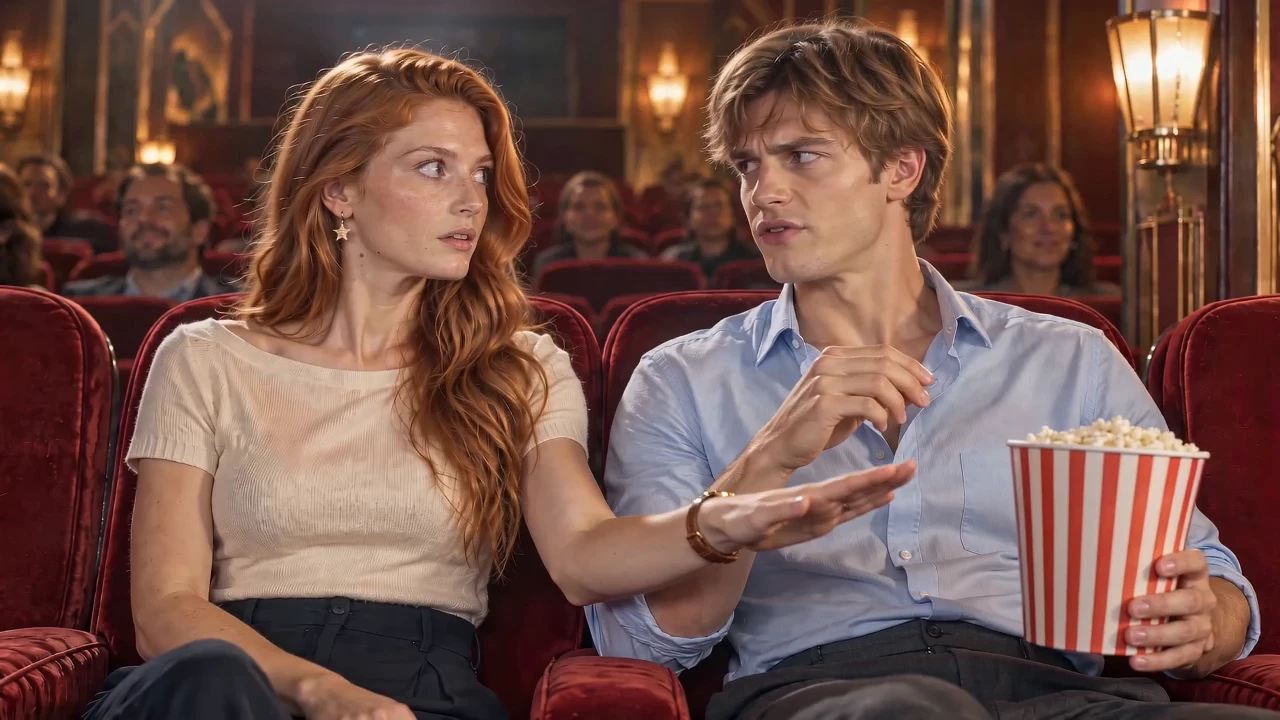
A time-freeze trick gets her a bite of her neighbour's popcorn. When her hand returns after time resumes, he notices and pulls the tub away. Her confidence gives way to an awkward retreat.
Open the Fast creation entry and describe the subject, setting, and action. Add an image when your starting point is visual.
Select the available format for your shot. Fast currently lists 480p and 720p options, with landscape, portrait, square, and other aspect ratios.
Check the motion, framing, and continuity. Adjust one part of the prompt at a time so you can understand what changed before developing the next version.
Choose a version around the shot you want to make. Fast offers a place to test and refine scene ideas at 480p or 720p. Pro also lists 1080p and 4K output options when higher resolution is part of your brief. Mini is another option to explore for your workflow.
For Seedance 2.0 Mini vs Fast, review the available settings and compare results on the details your scene needs. The model name alone does not tell you which version will work best for every prompt.
Explore Seedance 2.0 Pro · Explore Seedance 2.0 Mini · Compare Seedance 2.0 Models
A useful prompt explains what happens, where it happens, and how the camera follows it. Describe the starting position and the final state, especially when a character handles an object or moves through a space.
For an animation or anime-style scene, describe the visual style and the character details you want to retain. Review the result for changes in appearance, movement, and object placement before adding more action.
Seedance 2.0 Fast is a video generation model in the Seedance 2.0 family. On OiiOii, you can use it to develop scene ideas and review the resulting clips as you refine your direction.
Fast and Mini currently list 480p and 720p output options. Pro also lists 1080p and 4K. Explore each version’s settings and examples to choose around your project rather than expecting one version to suit every shot.
Names such as normal, standard, and enhanced can vary between services. OiiOii offers Pro, Fast, and Mini. Check the selected version and its settings instead of assuming another platform’s label maps to the same option.
You can begin with a written scene or use an image as the starting point. Describe the action and camera direction you want so the input gives the clip a clear focus.
Consider it for exploring short-scene concepts, product visuals, and animation ideas. Start with a focused shot, review what the model produces, and refine the parts that matter to your project.
Make the action specific and keep the scene readable. State who or what moves, the direction of movement, and the intended ending. Change one element between attempts, then compare the results.
Use the Fast creation entry on this OiiOii page. If you are still choosing a version, explore the Seedance 2.0 overview and the Pro and Mini pages before starting your next scene.
Start with a clear idea, explore it with Seedance 2.0 Fast, and refine the direction for your next video.