Bytedance Seedance 2.5 AI Video Generation
ByteDance's flagship video model, live on OiiOii. One continuous 30-second shot per generation, audio built in, up to 50 reference inputs.
What is Bytedance Seedance 2.5?
Seedance 2.5 is ByteDance's latest AI video generation model, available to use on OiiOii. It generates one continuous 30-second shot per run instead of short clips that need stitching, renders at native 4K, and produces synchronised audio in the same pass as the motion.
Most AI video tools cap a generation at five to ten seconds. Anything longer is assembled aftfterwards, andassembly is where continuity breaks: the character drifts, the lighting shifts, the camera move restarts.
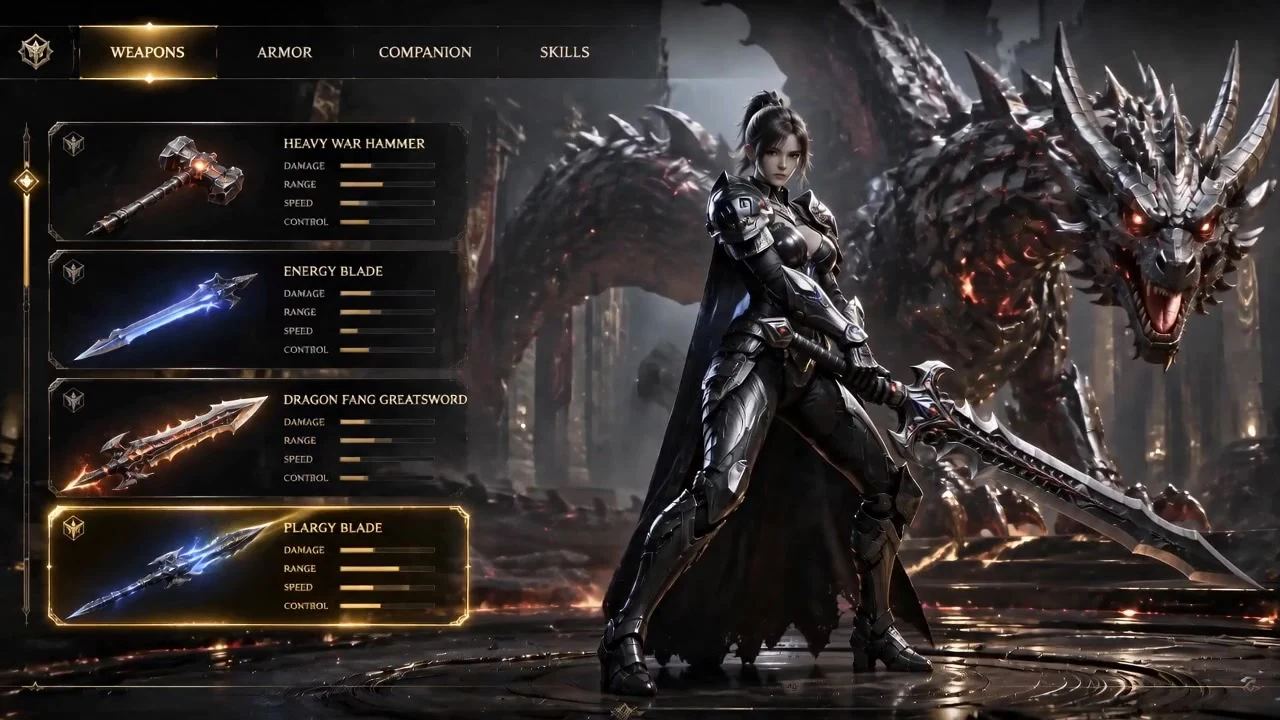
Seedance 2.5 removes that step for shots up to 30 seconds, which is long enough for a complete scene in a music video, an anime sequence or a game cutscene.
It handles anime, manga and other ACG aesthetics alongside realistic live-action, at the same single-shot production quality, so the model choice does not change with the style you are working in.
The Seedance 2.5 video generation model
Three capabilities define what the model can do, and each one changes a step in the production workflow.
Up to 50 reference inputs per generation. Images, audio, video and style references can all be fed into a single run. Anime and brand-consistent work is shown rather than described, so the iteration loop of writing a prompt, generating, and rewriting the prompt largely disappears.
Native 4K output. The shot is rendered at 4K rather than upscaled from a lower resolution, which matters when the footage will be cut into finished work rather than used as a preview.
Audio generated with motion. Sound and movement are produced in the same channel, so lip movement, action and audio stay aligned locally instead of being matched in post.
Against the previous generation, Seedance 2.5 delivers a 20% improvement in prompt adherence. In practice that shows up as fewer discarded renders rather than as a visibly different image.
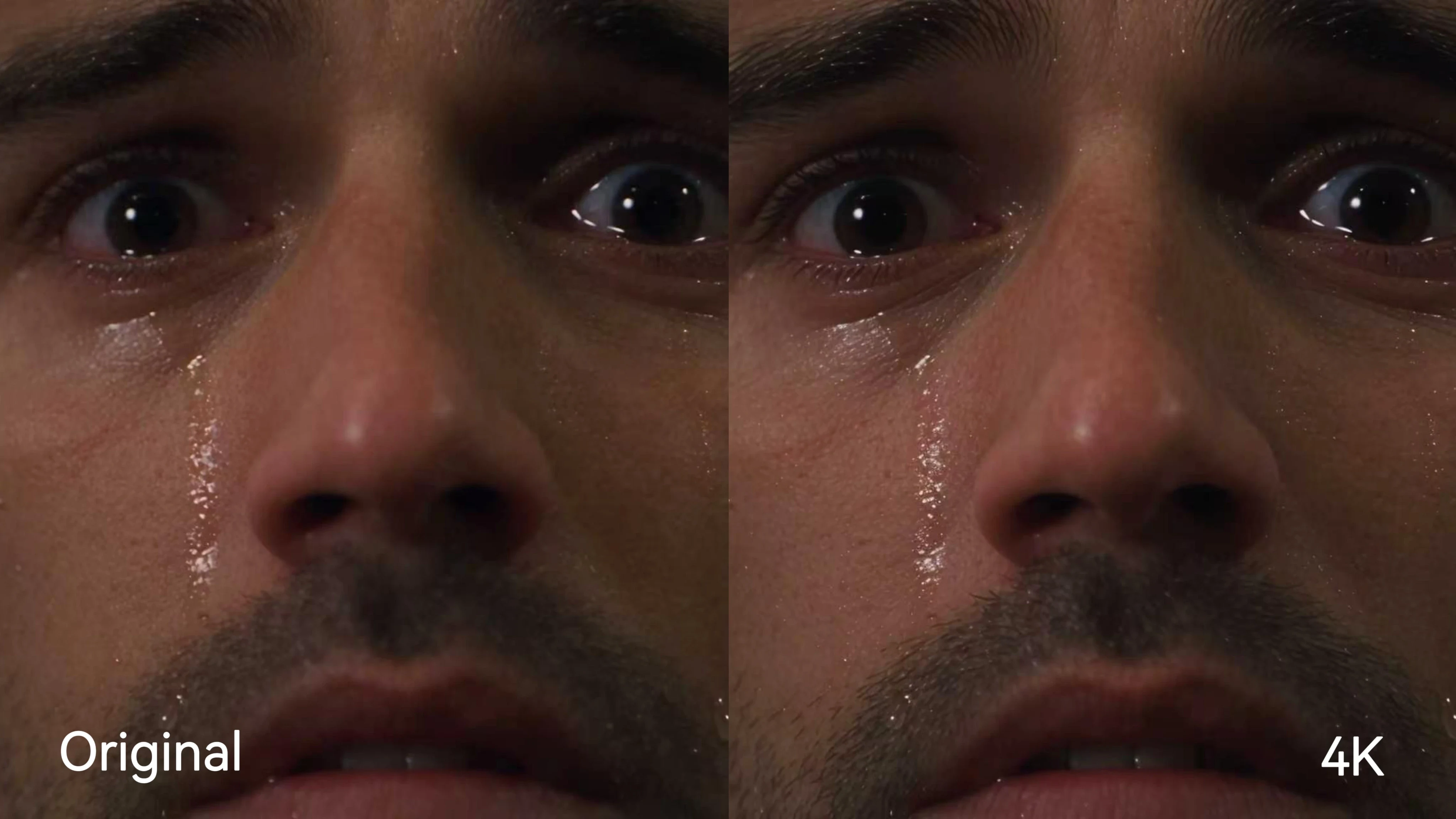
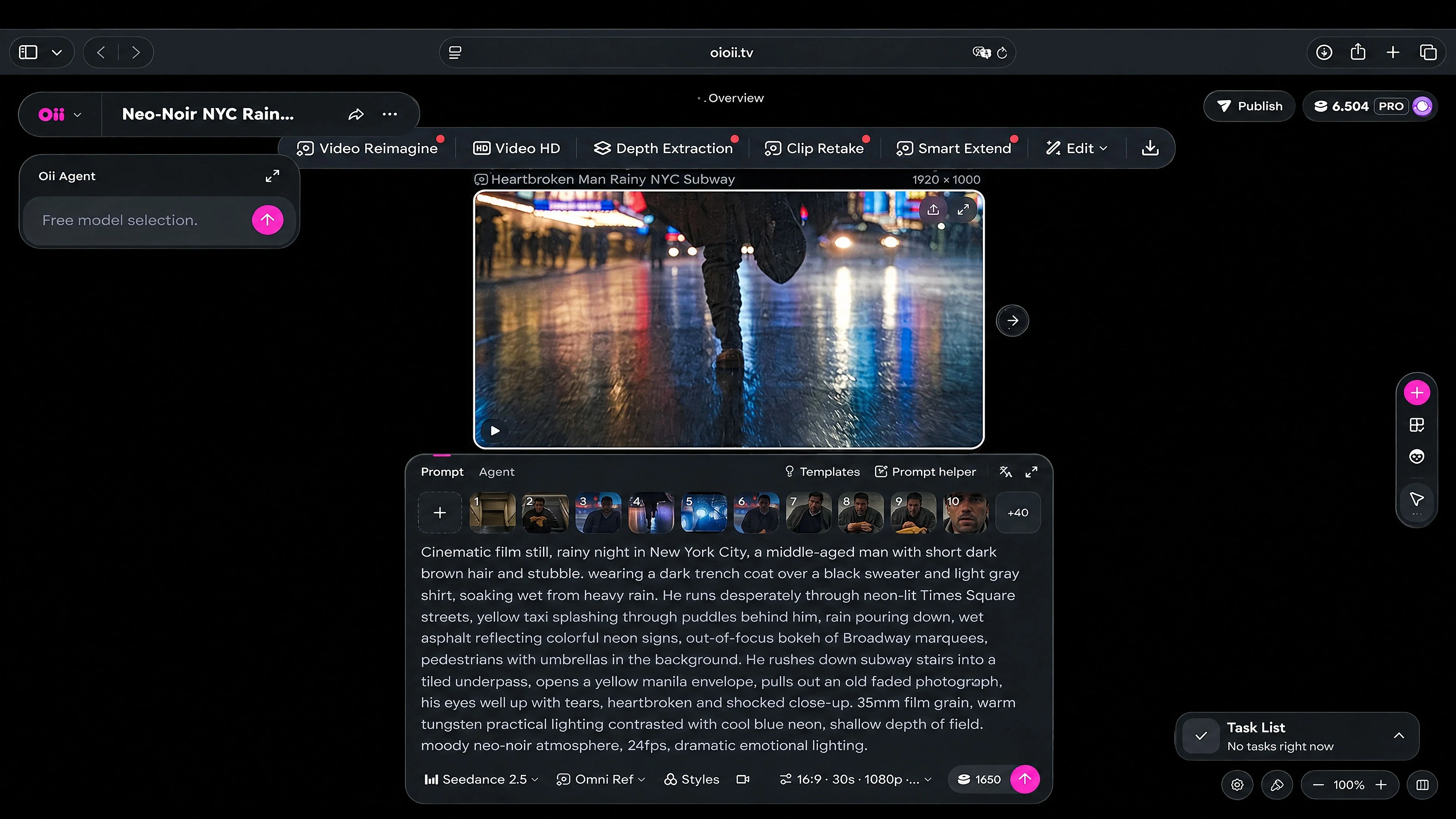
| Capability | Seedance 2.5 on OiiOii |
|---|---|
| Shot length per generation | 4–30 seconds; up to 30 seconds in one continuous shot |
| Output resolution | 1080p |
| Reference inputs | Up to 50 in total; images, audio and video |
| Audio | Generated with motion; enabled by default and can be turned off |
| Partial re-render | Area editing on a selected region |
| Styles | Anime, manga, ACG and realistic live action |
OiiOii specifications follow the product confirmation of October 14, 2026. Choose 4–30 seconds per generation; Seedance 2.5 is for members only. Longer story anime videos use multiple storyboard shots and automatic editing.
Where can I use Seedance 2.5?
Seedance 2.5 runs inside OiiOii in the browser. There is no install, no separate ByteDance account and no API key to provision. Open a canvas, select Seedance 2.5 as the model, and generate. It is available on every OiiOii plan tier, and members also have CLI access for scripted and batch workflows.
Where it is being used in practice:
Anime and manga sequences — character art animated into full shots with the design held constant across scenes.
Music videos — 30-second sections that match a verse or a chorus without cutting on every beat.
Game cutscenes — cinematics produced without a full animation pipeline.
Product and explainer video — a single continuous take rather than an assembly of stock clips.
Previsualisation — directors and indie filmmakers blocking a scene before shooting it.
Because the model sits inside OiiOii rather than standing alone, the same project moves through script, character design, scene design and render without exporting between tools.
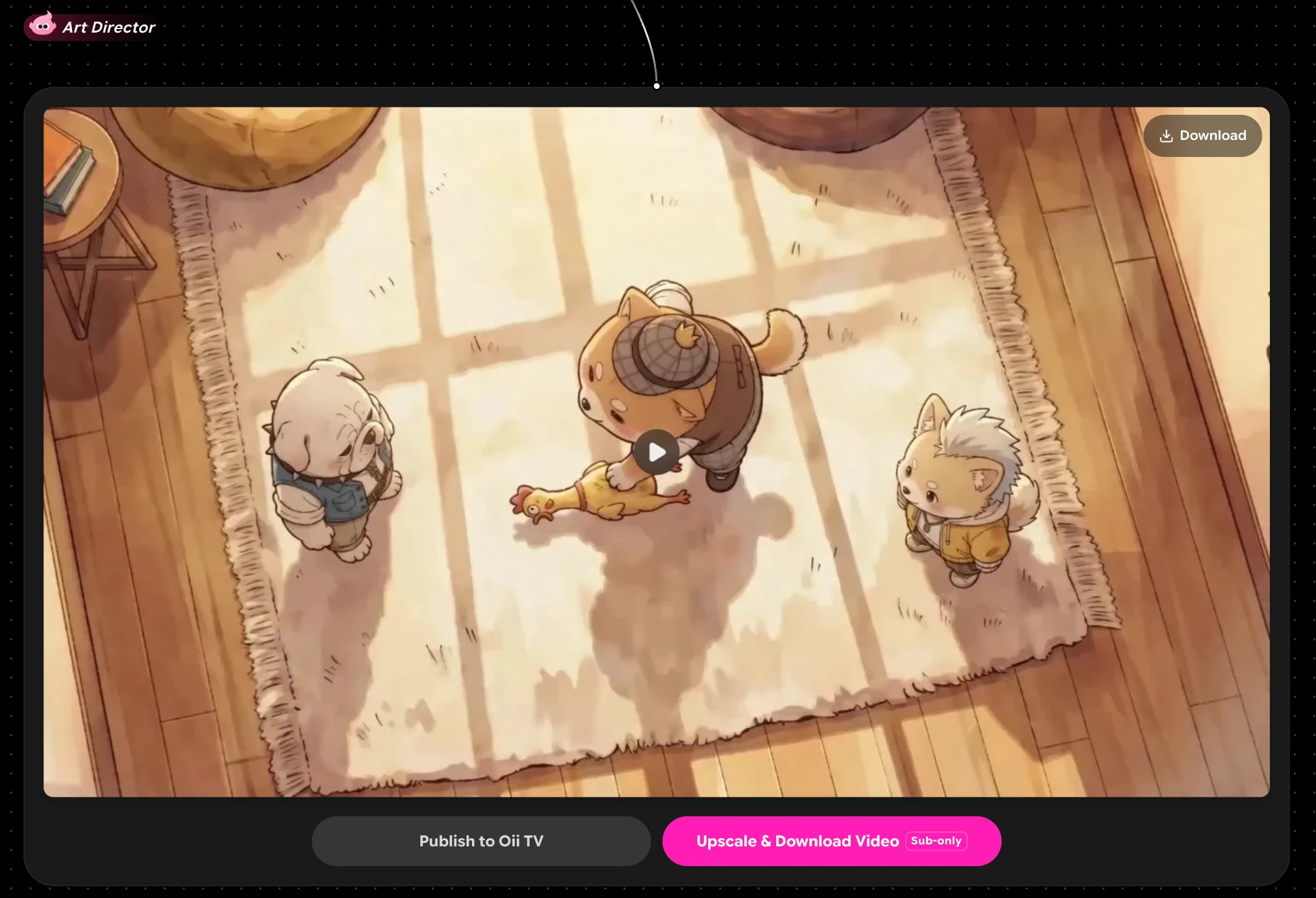
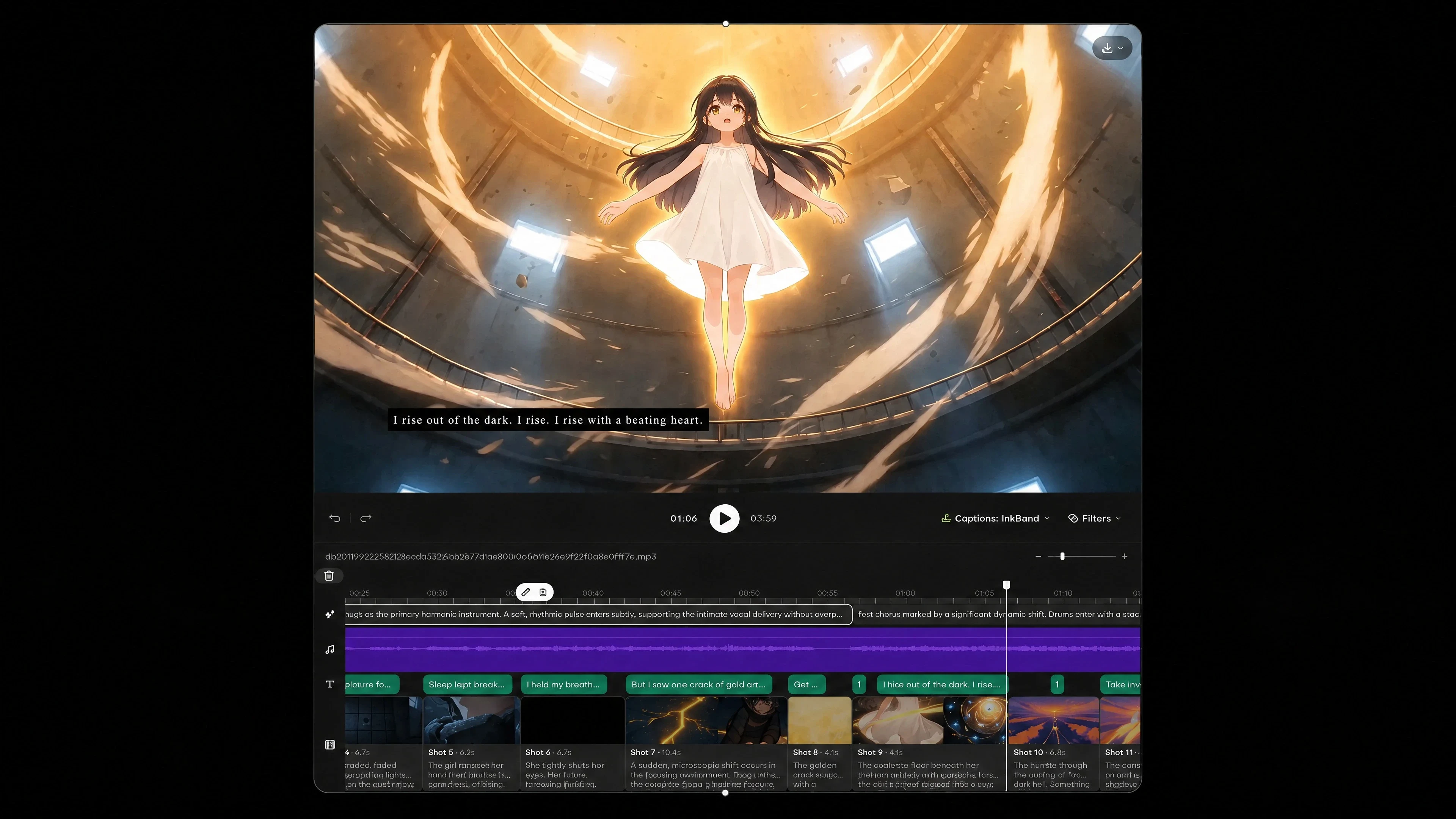
How to access Seedance 2.5
Four steps, and the first render takes a few minutes.
-
Create an OiiOii account. New users receive starting credits, which is enough to test the model before choosing a plan.
-
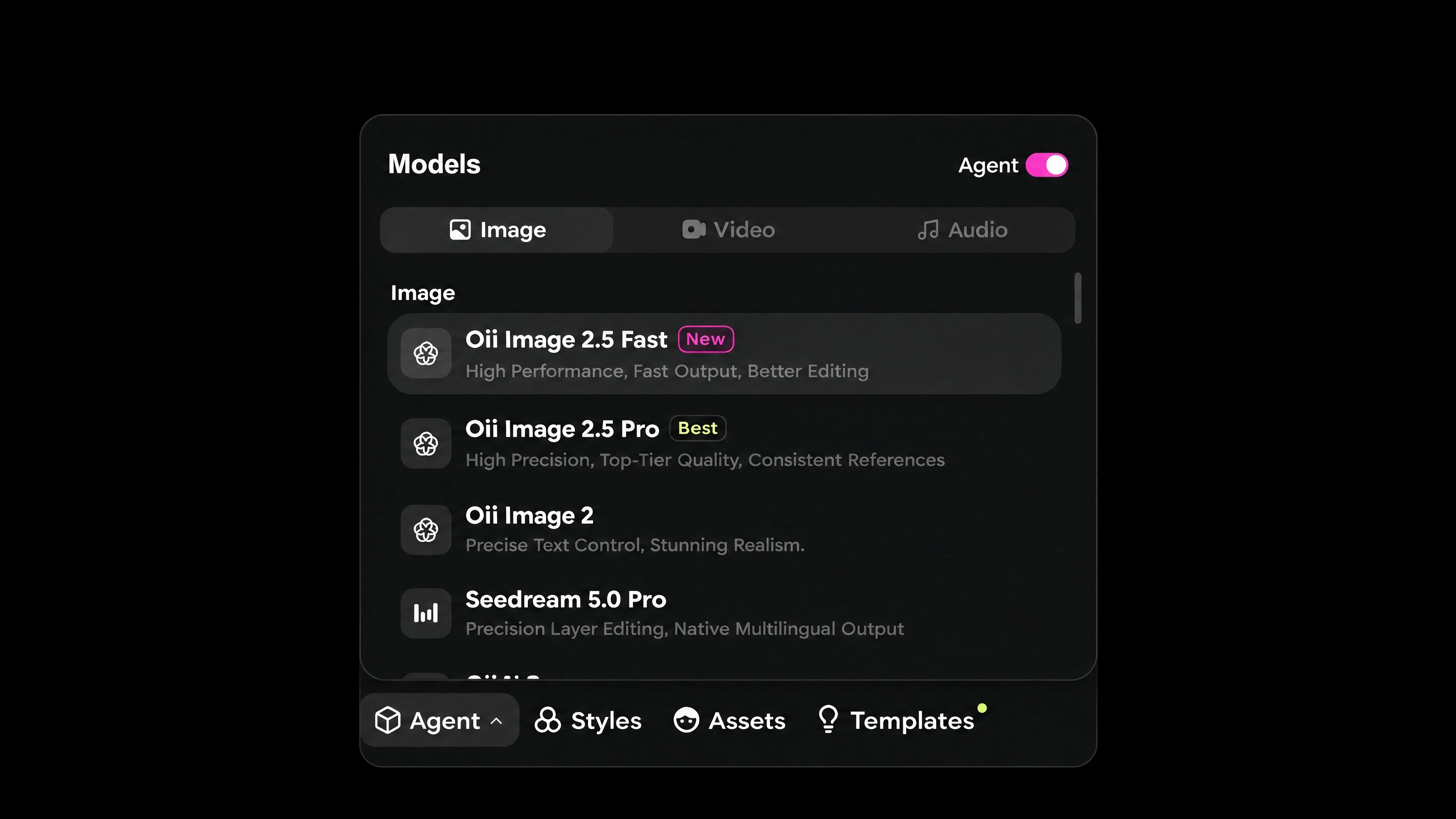
Open a new canvas and select Seedance 2.5 from the model list.
-
Describe the shot, or upload references. Up to 50 inputs per generation — character art, a style board, an audio track, a reference clip.
-
Generate. Each run returns one continuous 30-second shot with audio. Use area editing to fix a region without regenerating the whole shot.
There is no waitlist. Seedance 2.5 is live on OiiOii now, on all tiers.
Seedance 2.5 pricing
There is no separate Seedance subscription and no fixed per-video price. Seedance 2.5 spends OiiOii credits, deducted per generation according to task complexity: storyboard shot count, image generation, model type and video duration.
That model suits bursty production and confuses people expecting a flat per-video fee, so it is worth stating what actually drives the number. A short test shot at lower resolution costs a fraction of a full 4K 30-second render, and because one generation produces the whole 30 seconds, the comparison against a per-clip tool is not like for like.
Every tier includes watermark-free export, 1080p HD export, OiiOii CLI access, no queue for members, and the same model discount ceilings. What changes between tiers is the credit allowance and how many storyboards run at once.
Credit validity. Subscription credits are valid 31 days and do not roll over. Separately purchased top-up packs are valid 365 days, which makes a smaller plan plus top-ups the efficient shape for uneven workloads.
Billing. Monthly, quarterly or yearly, with quarterly discounted up to 45% and yearly up to 51% against monthly.
| Plan | Monthly equivalent (USD, quarterly billing) | Average cost / 100 credits (USD, all check-ins) | Monthly subscription credits | Monthly check-in bonus | Concurrent storyboards |
|---|---|---|---|---|---|
| BASE | 16 | 1.22 | 1,000 | 310 | 10 |
| STAR | 43 | 1.09 | 3,000 | 930 | 13 |
| PRO | 99 | 1.04 | 8,000 | 1,550 | 16 |
| APEX | 188 | 0.95 | 18,000 | 1,860 | 20 |
Seedance 2.5 vs other video models
| Dimension | Seedance 2.5 on OiiOii | Sora 2 (OpenAI) | Veo 3.1 (Google) |
|---|---|---|---|
| Maximum shot length per generation | Up to 30s continuous; selectable 4–30s | 16s / 20s | 8s; extension available, extended segments at 720p only |
| Output resolution | 1080p on OiiOii | 720p; 1920×1080 requires Sora 2 Pro | 720p / 1080p / 4K; extension does not support 4K |
| Reference inputs per generation | Up to 50 total, multimodal | 1 image, used as the first frame | Up to 3 style/content reference images |
| Audio generated with motion | Yes; on by default, can be turned off | Yes | Yes |
| Partial re-render | Area editing | Not listed in the cited official documentation | Not listed in the cited official documentation |
| Entry price | US$16/month equivalent, quarterly billing; members only | API from US$0.10/second (720×1280 / 1280×720) | Per second; varies by resolution and audio |
FAQ
① What is Seedance 2.5?
Seedance 2.5 is ByteDance's latest artificial intelligence video model, available on the OiiOii AI. It generates 30-second single shots without stitching and synchronizes audio while rendering.
② What visual styles can Seedance 2.5 generate?
Seedance 2.5 handles a variety of styles, from anime, manga, and other ACG aesthetics to realistic live-action shots, all with the same single-shot production quality.
③ How is Seedance 2.5 different from other AI video generators?
Seedance 2.5 generates one full 30-second shot at a time, reading up to 50 reference inputs at a time, exceeding the support of most AI video tools today.
④ How long can Seedance 2.5 videos last?
Each generation produces a 30-second continuous shot, one generation at a time, without the need for stitching or editing components.
⑤ What inputs does Seedance 2.5 accept?
Seedance 2.5 reads up to 50 multi-modal inputs at a time, including images, audio, video, and style references, so you can output directly instead of describing it from scratch.
⑥ Does Seedance 2.5 generate audio?
Yes. Audio is built-in, not added later. Sound and movement are generated together in the same channel, so lip movement, movement, and audio are kept in sync locally.
⑦ Can I edit a portion of the generated video without regenerating the entire footage?
Yes. Area editing allows you to change only the area you select. The rest of the shot remains the same, which saves reproduction and maintains continuity.
⑧ How accurate is Seedance 2.5 under the following hints?
Compared to the previous generation, Seedance 2.5 offers a 20% faster bonding improvement, which means more accurate results and less wasted time.
⑨ Where can I use Seedance 2.5?
On OiiOii, in the browser. No install and no separate ByteDance account is required, and it is available on all plan tiers.
⑩ How do I access Seedance 2.5?
Create an OiiOii account, open a canvas, select Seedance 2.5 as the model and generate. New users receive starting credits, and there is no waitlist.
⑪ How much does Seedance 2.5 cost?
It has no separate price. Seedance 2.5 spends OiiOii credits based on shot count, duration, resolution and model type. Plans start at $16 per month on quarterly billing.
⑫ Do unused Seedance credits roll over?
Subscription credits are valid 31 days and do not roll over. Top-up pack credits are valid 365 days.