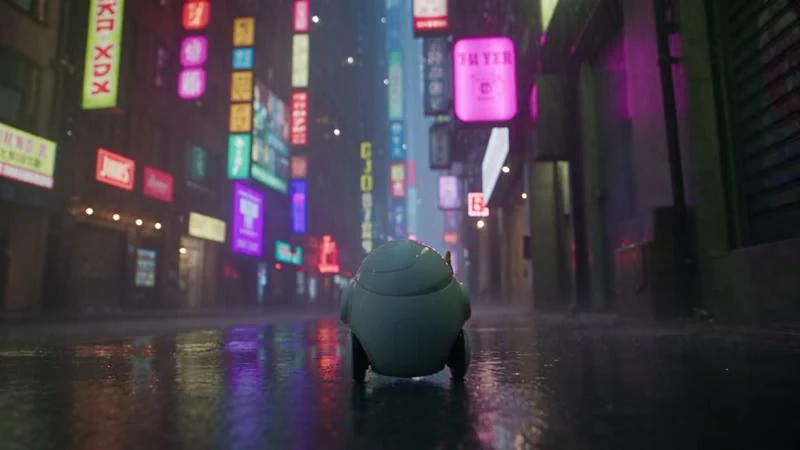
Prompt:A small robot steps onto a rain-soaked street, looks up at glowing signs, and opens a yellow umbrella. Slow tracking shot.
Text to Video
Social stories
Turn a simple scene into a visual hook for your next social video.
Turn a prompt or image into your next video.
Create with Kling AI 3.0 in OiiOii. Start with a single shot, explore a new visual idea, or take your clip into Canvas to build a complete story.
Free to sign up. Generation uses Credits.
Start with an idea for a social post, product reveal, or animated scene. Explore the input behind each clip and use the prompts to shape your own version.
Prompt:A small robot steps onto a rain-soaked street, looks up at glowing signs, and opens a yellow umbrella. Slow tracking shot.
Turn a simple scene into a visual hook for your next social video.
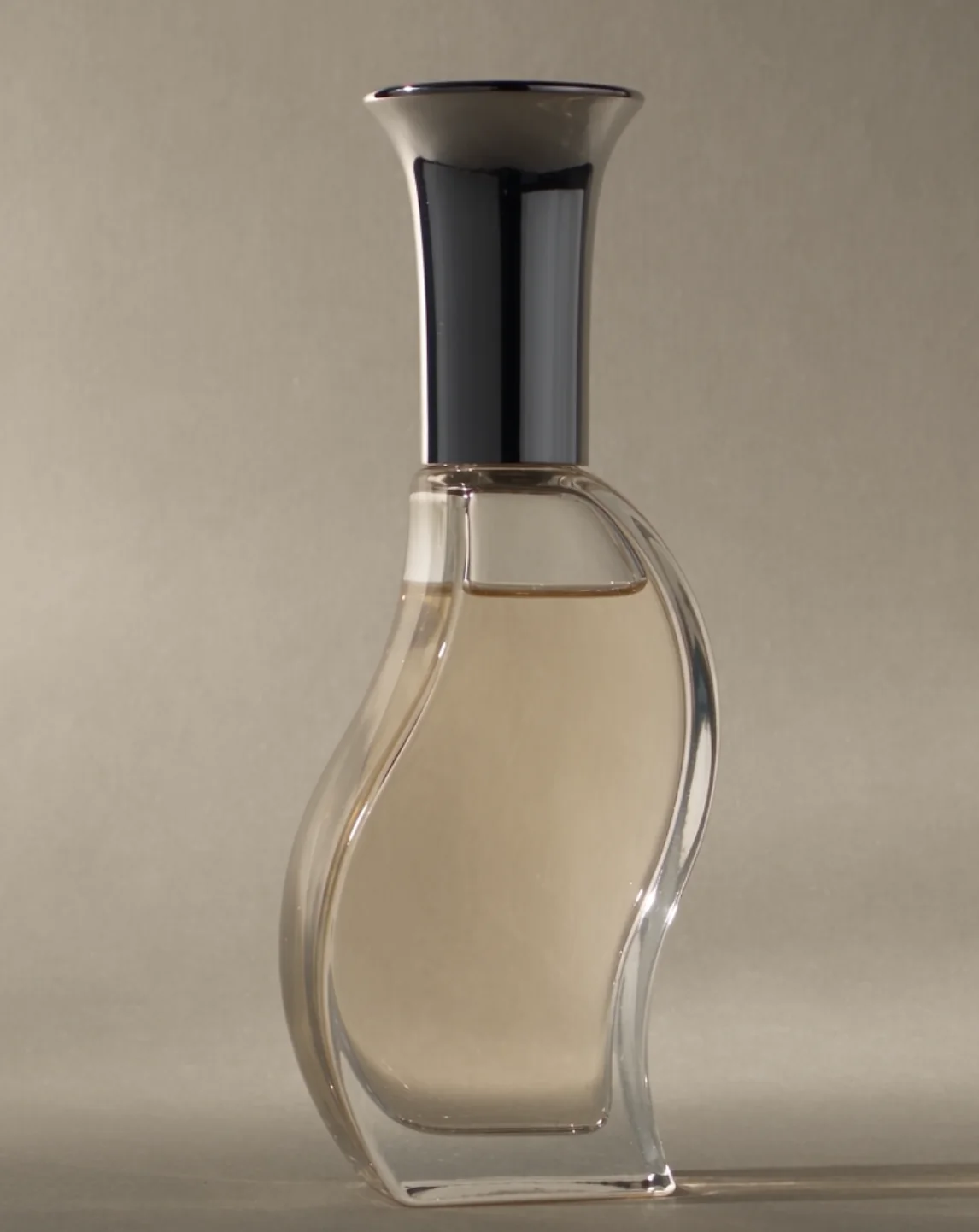
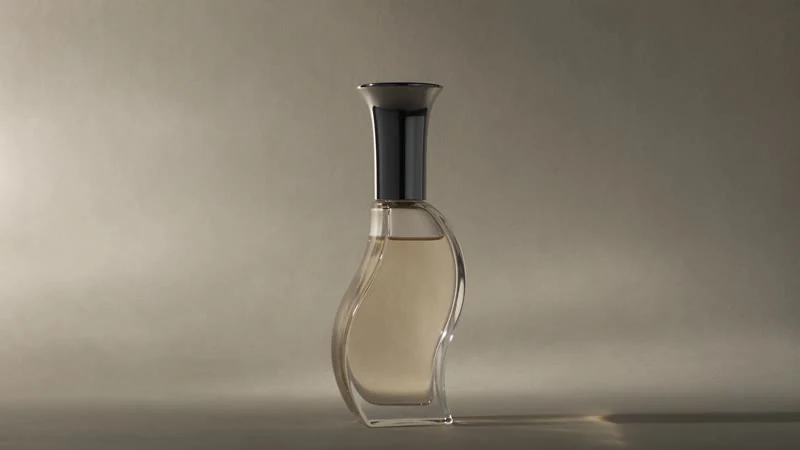
Prompt:Keep the perfume bottle centered as the camera slowly moves closer. Soft window light passes across the glass against a pale background.
Start with a product image and describe the movement, lighting, and framing you want.
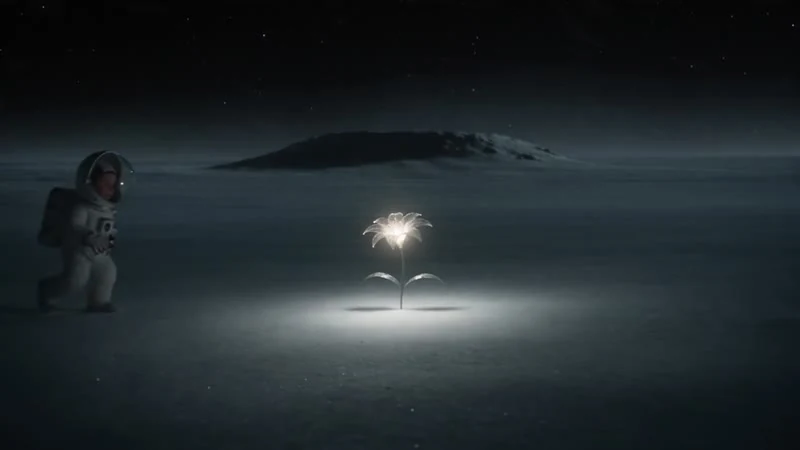
Prompt:A tiny astronaut discovers a glowing flower on a quiet moon. The astronaut kneels beside it as the camera gently moves closer.
Explore a character moment before building the rest of the story.
Prompt tip: Describe one clear action, then add the setting and camera direction. For image to video, focus on what should move in the uploaded image.
Enter a prompt or upload an image. You can create a standalone clip without preparing a full script or storyboard.
Use the selected Standard model and choose the available generation settings. Describe the action and framing you want to explore.
Preview your result, adjust the prompt, and generate another version. Keep your favorite shot or continue the project in Canvas.
Bring Kling 3.0 AI video creation into a larger workflow. Keep your clips, characters, and scenes together in OiiOii, then assemble your story with music and voice.

Develop a script and storyboard when your idea needs several scenes. You can also start with an individual clip and expand later.
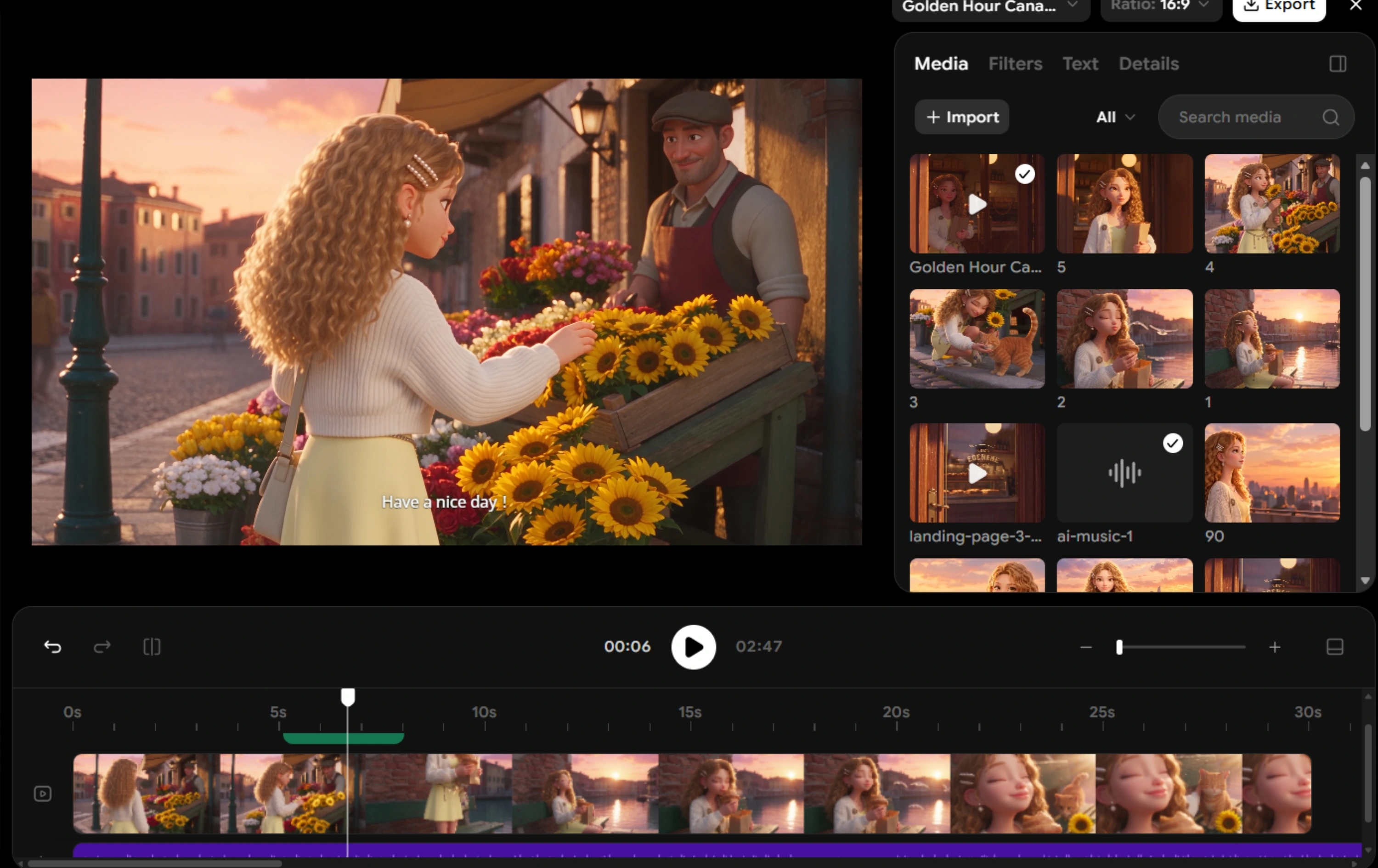
Organize shots, edit your sequence, and add music or voice in the same workspace. These are OiiOii tools you can use around your video generation.
It is an AI video model for creating clips from written descriptions and visual inputs. This page gives you access to the Standard version through OiiOii.
OiiOii offers free access to get started, with Credits available through daily check-ins. Storyboard and video generation use Credits; additional Credits are available through paid options.
Yes. Choose text to video to start from a description, or image to video to animate an uploaded visual. Add a prompt to describe the movement you want.
Name the subject, describe one clear action, and add the setting, lighting, and camera direction. Use the example prompts above as a starting point, then refine based on your result.
They are separate model choices within the same OiiOii creation workflow. This page uses Standard. Choose another available model when you want to explore a different generation option; your access to OiiOii's editing workflow stays the same.
Create your first shot with Kling 3.0, then keep building in OiiOii.