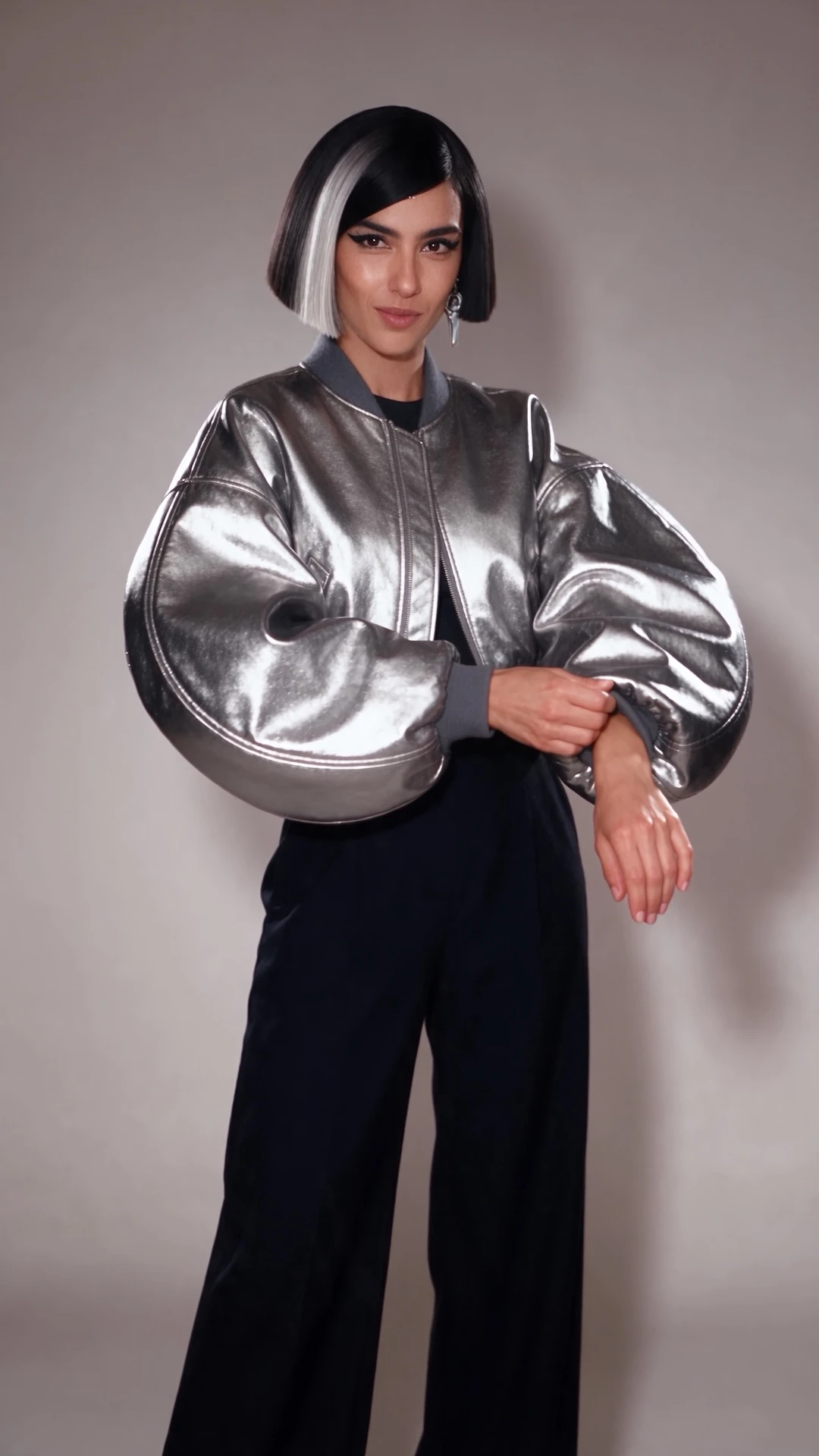
Three Looks, One Creator
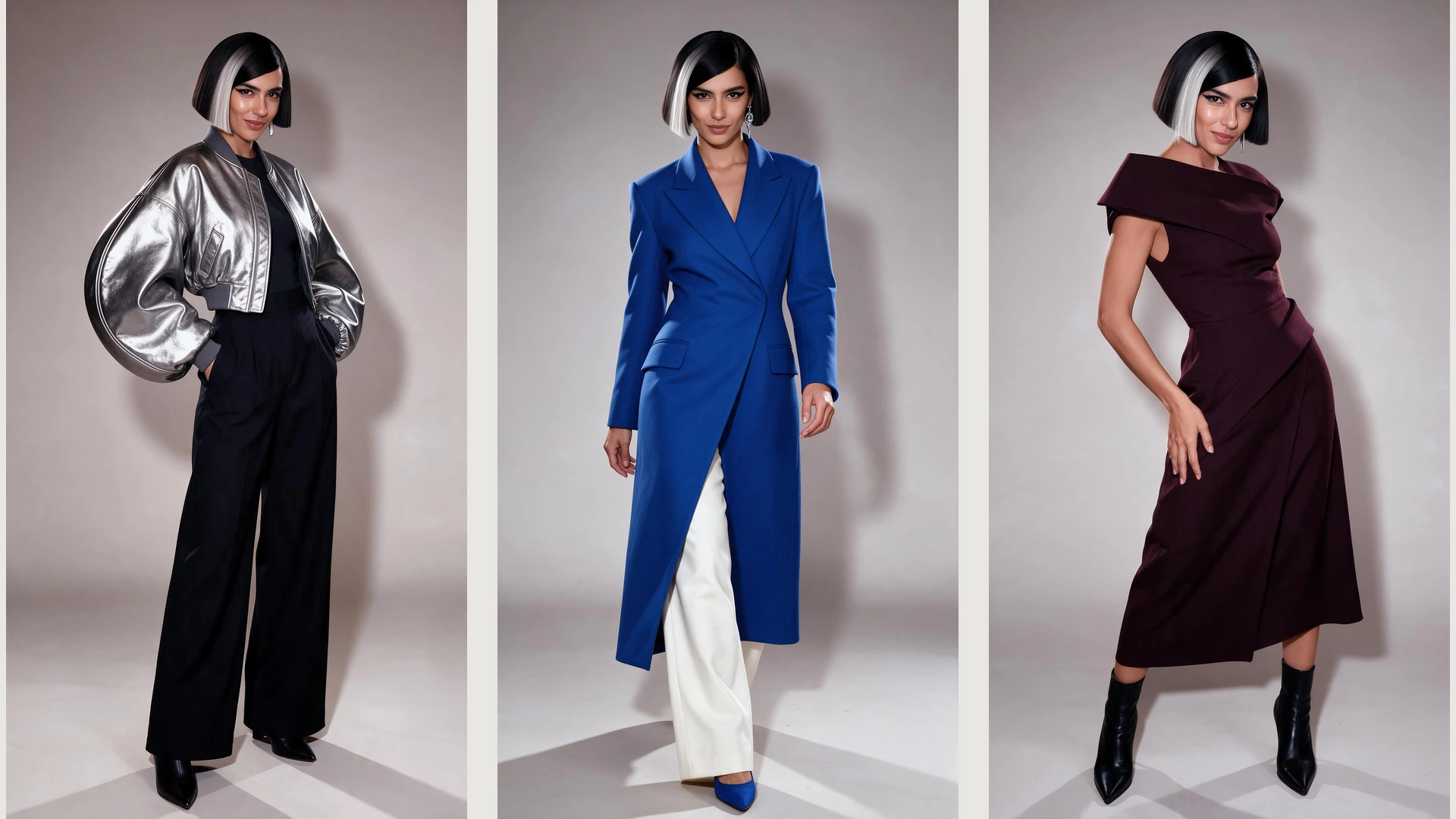
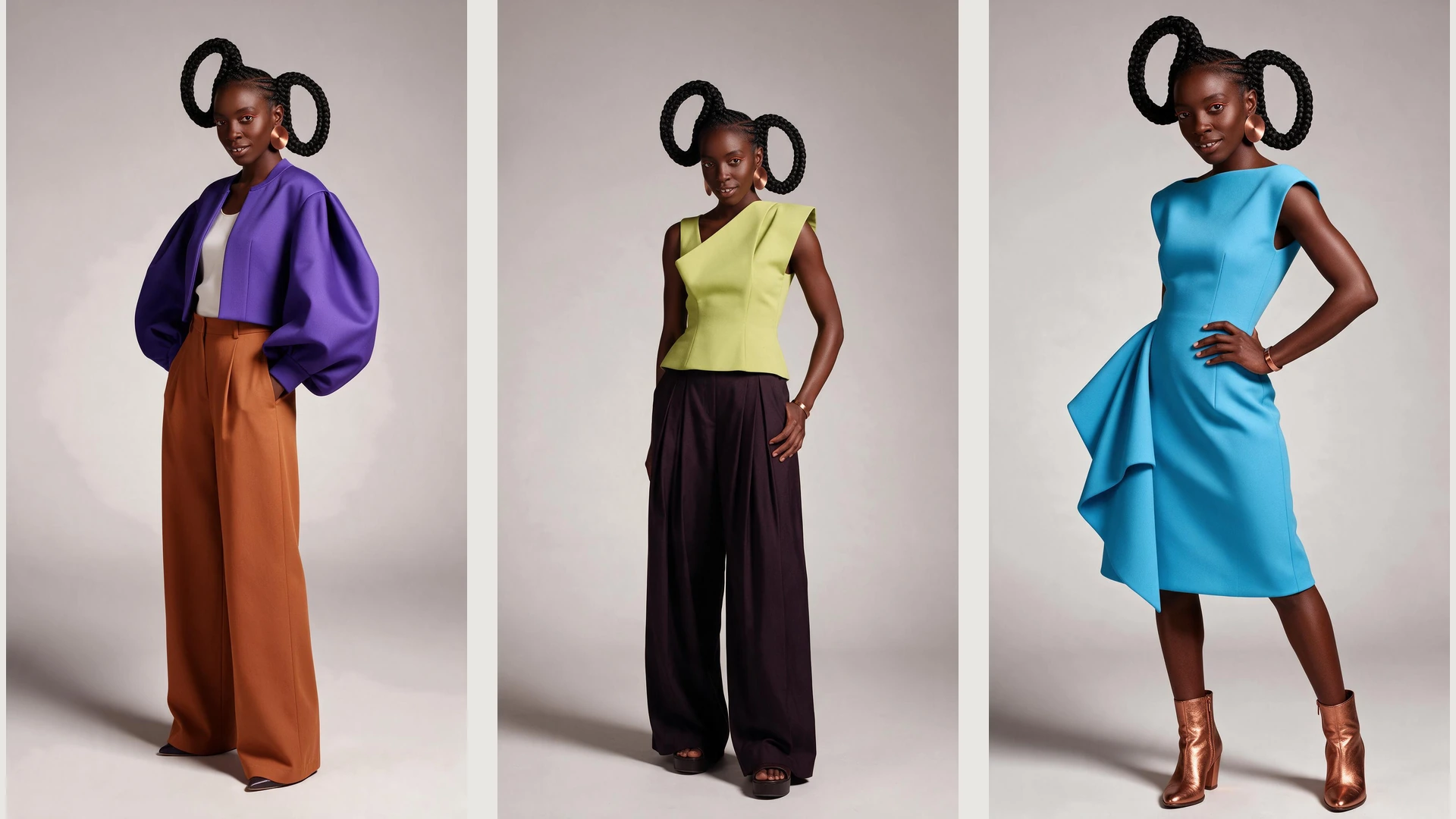
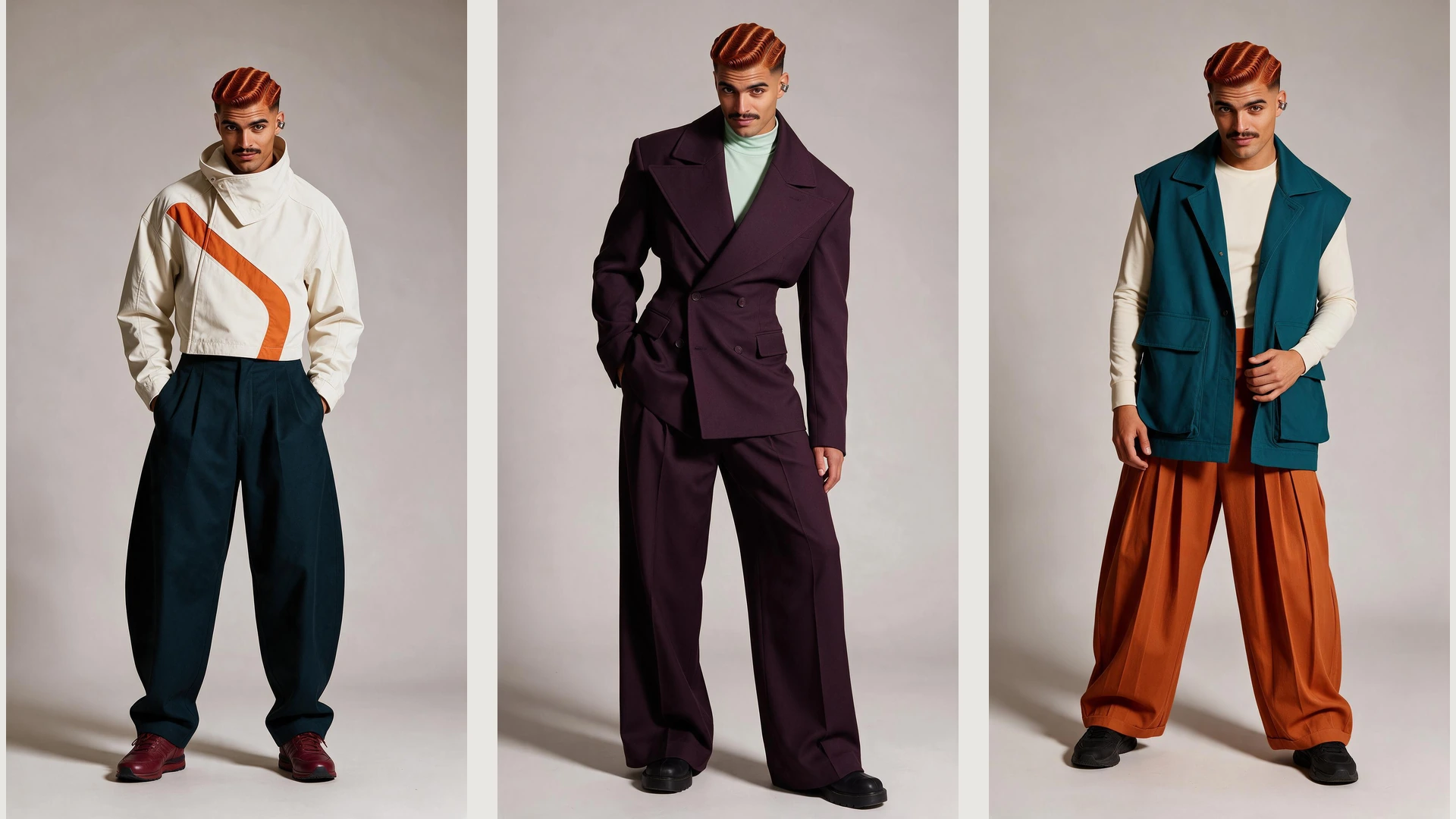
One creator moves through three distinct outfits.
Create your own AI influencer from a prompt or reference image. Shape their look and style, then bring your character into photos and videos for social content.
Free to get started. Generation uses Credits.
One character. Different ways to create. Create an original AI influencer with a look and personality of your own.
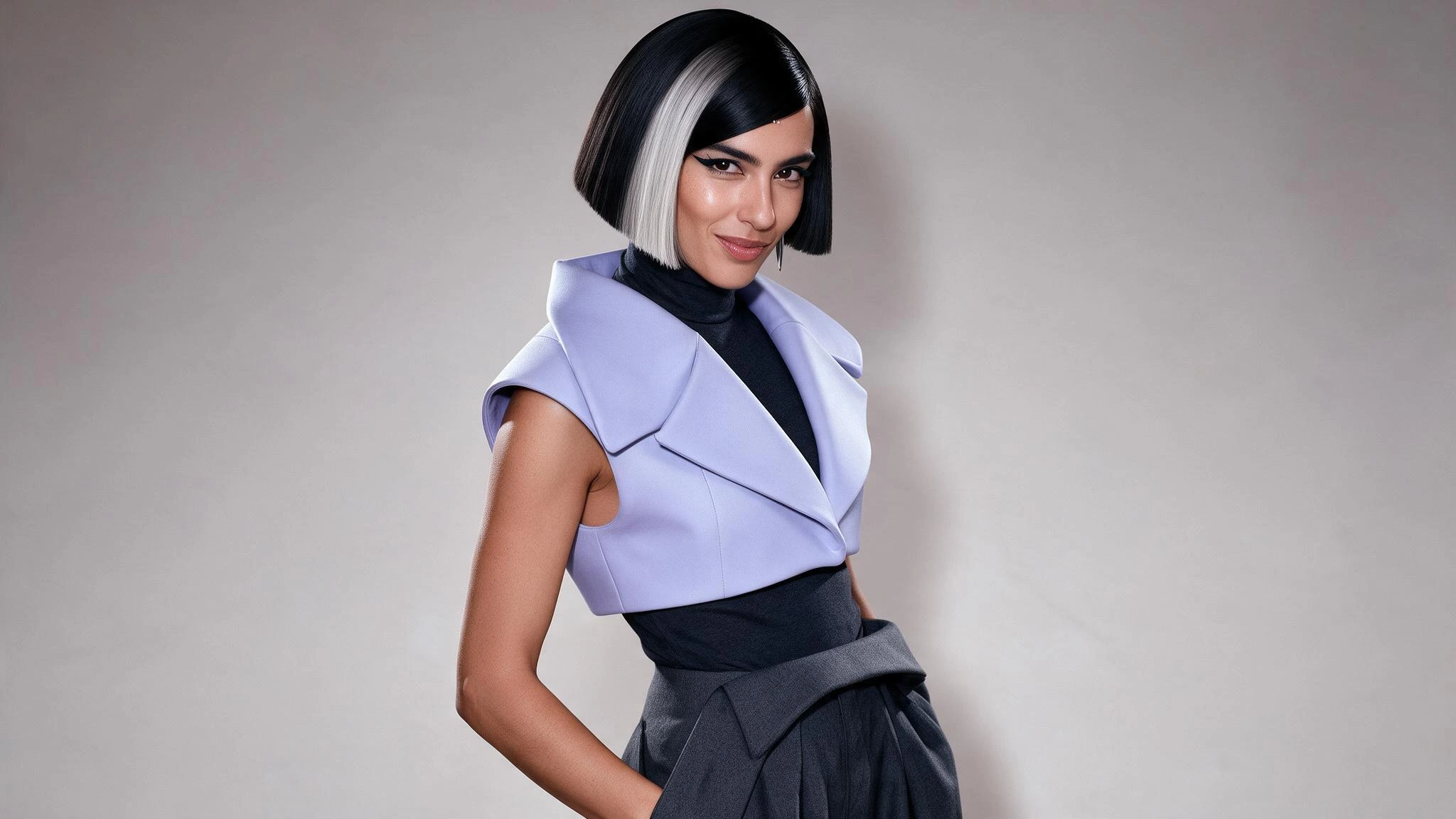
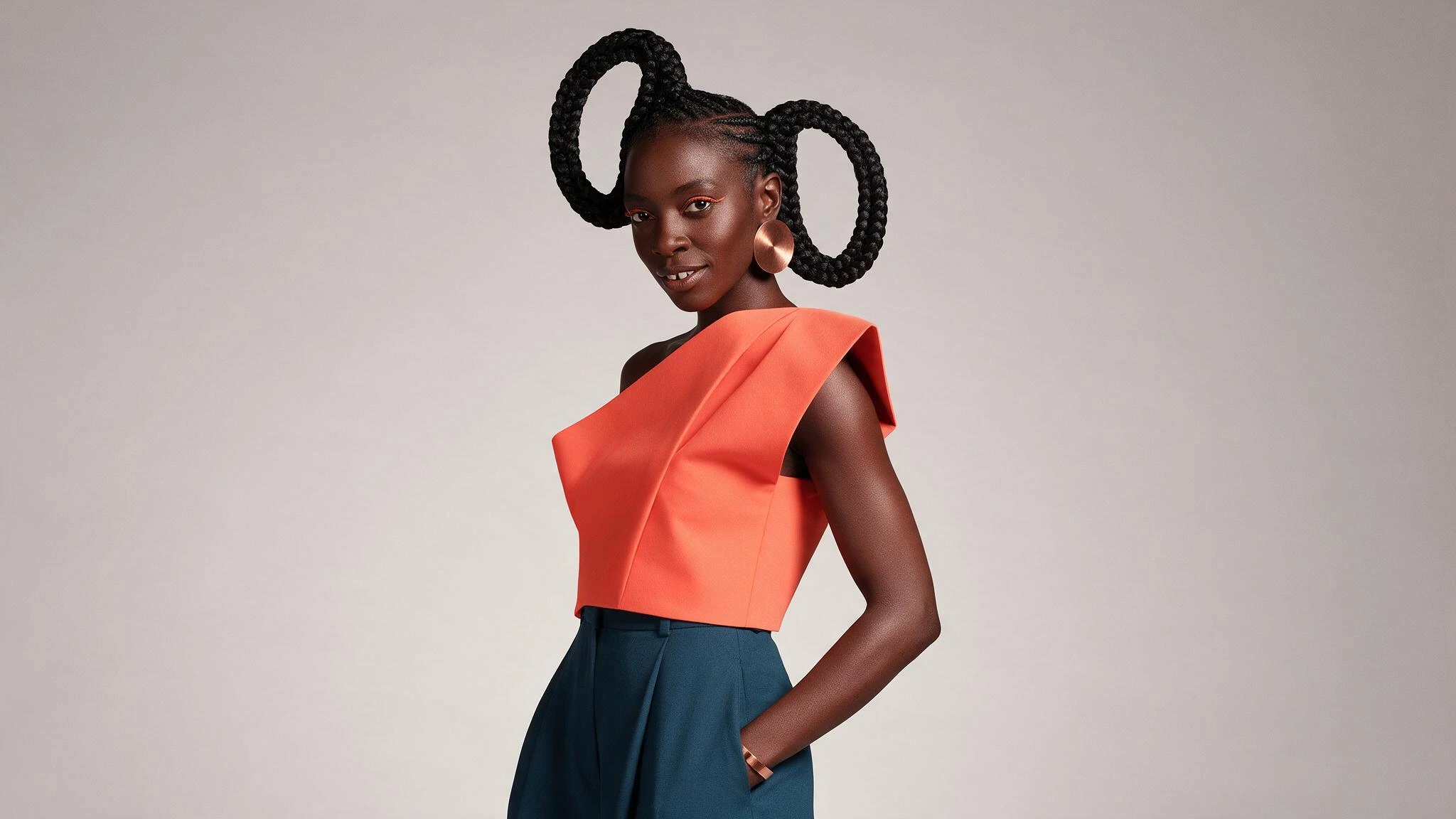
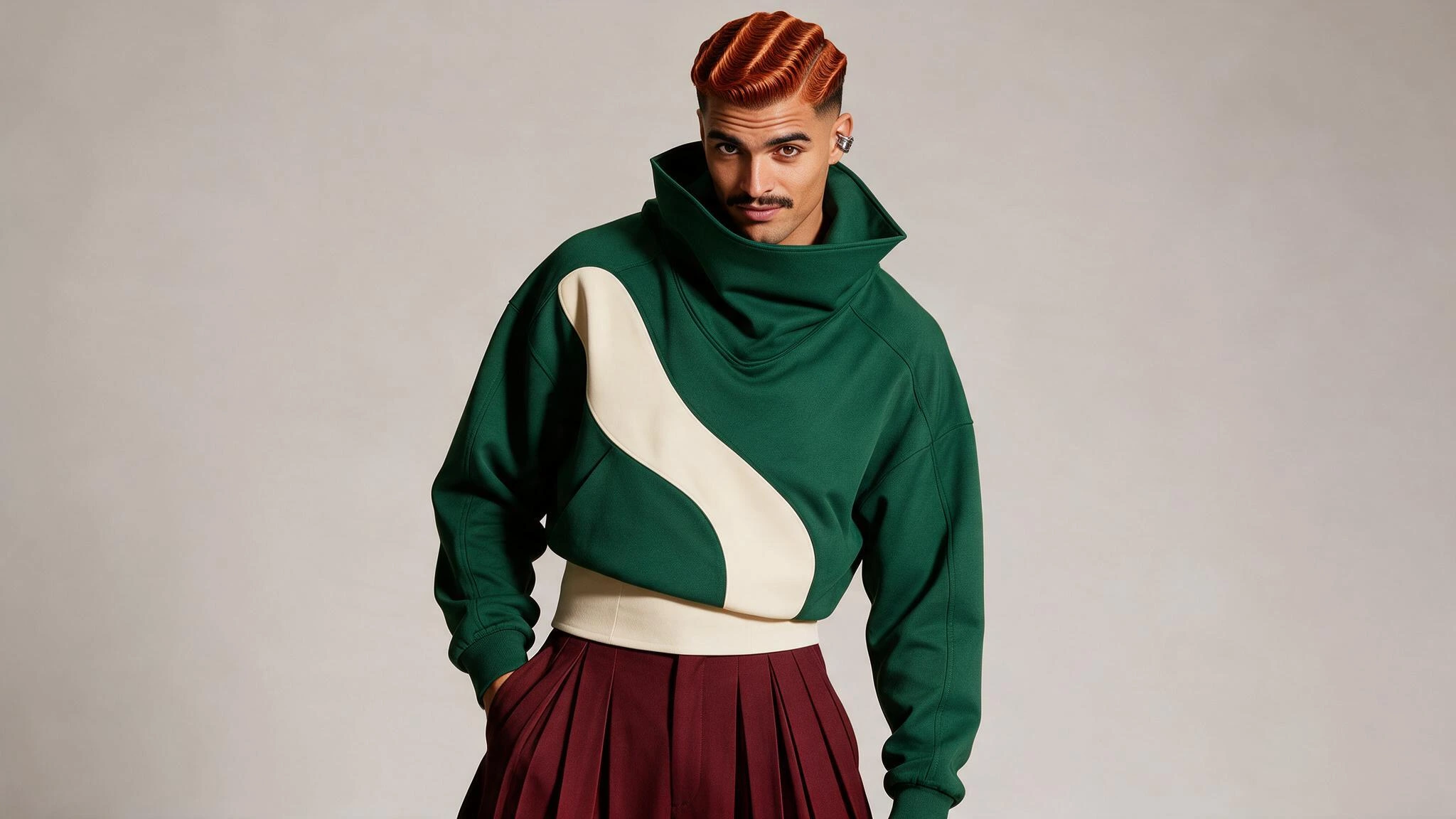
Use your character reference to explore another outfit, setting, or everyday moment.
Take your virtual influencer beyond a still image and into a social video.
One creator moves through three distinct outfits.
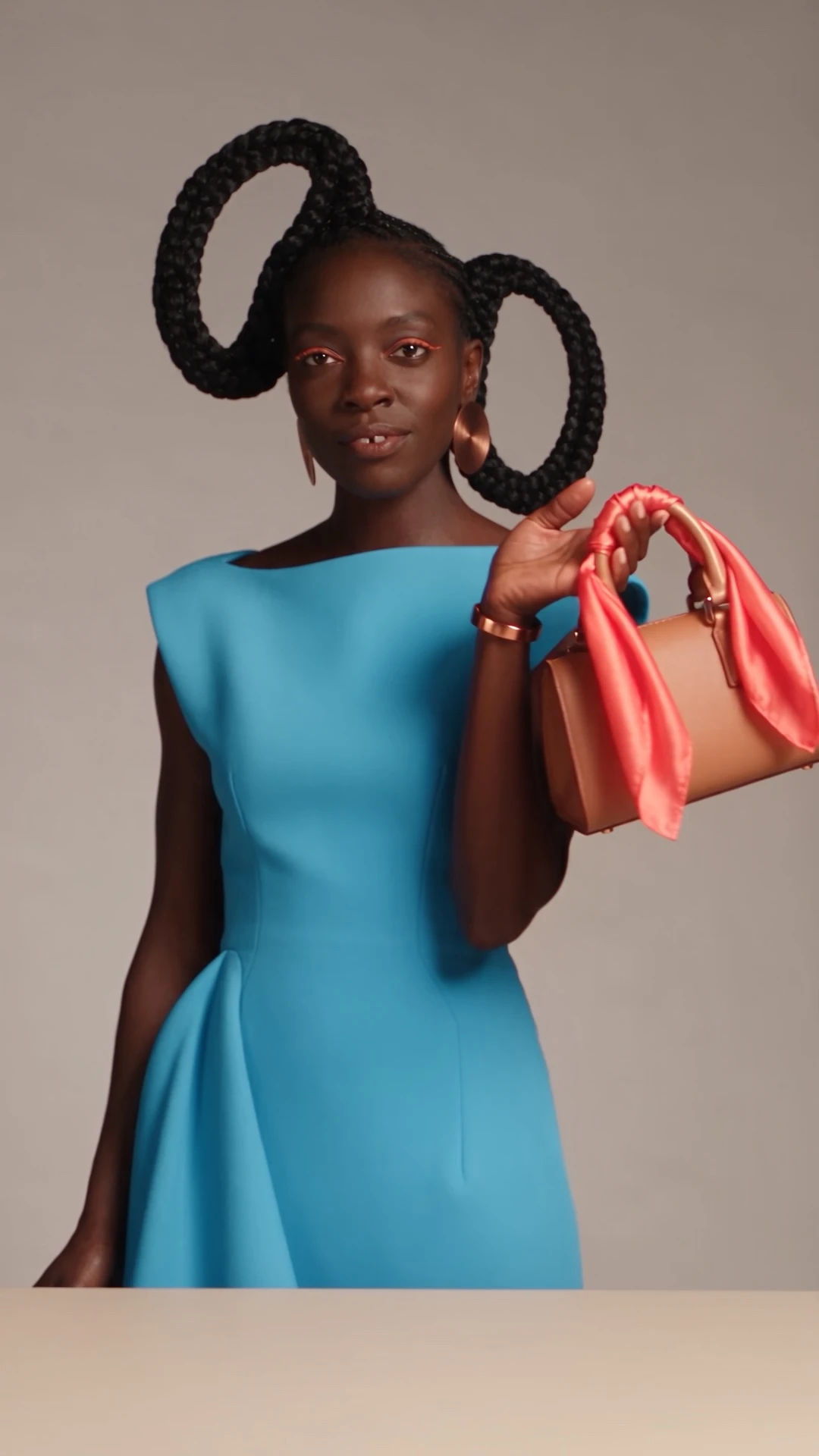
A creator styles a handbag with a silk scarf.
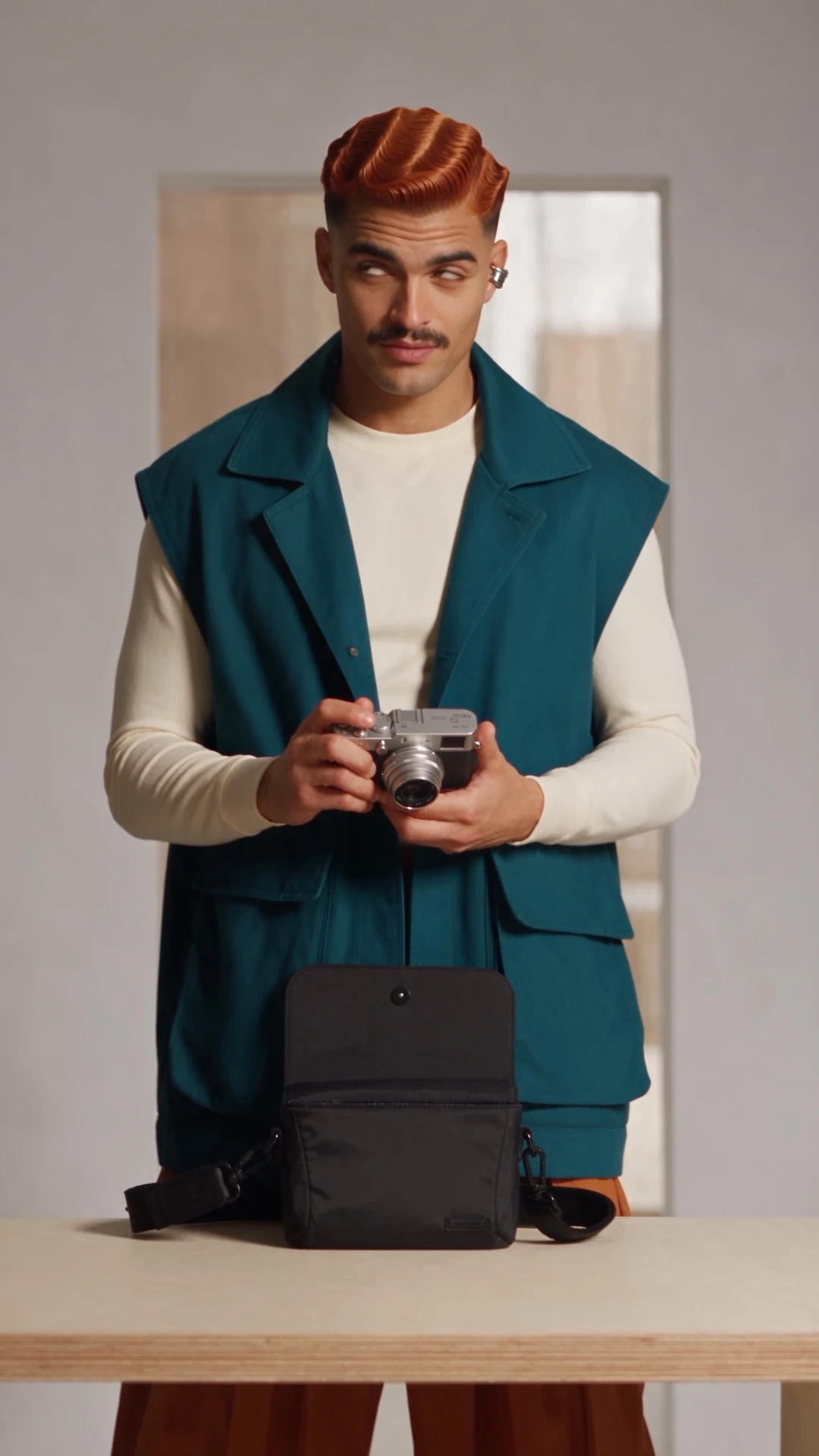
A creator packs a camera and heads out for a photo walk.
Choose Character Design and describe the appearance and style you want, or start with a reference image.
Review your result, refine the details, and save your chosen character to Assets.
Select your saved character for new content. Continue with images, or use Viral Remake to create a video.
Save your AI influencer to Assets and select them again for future projects.
Select your saved character, then use Viral Remake to create a video featuring them.
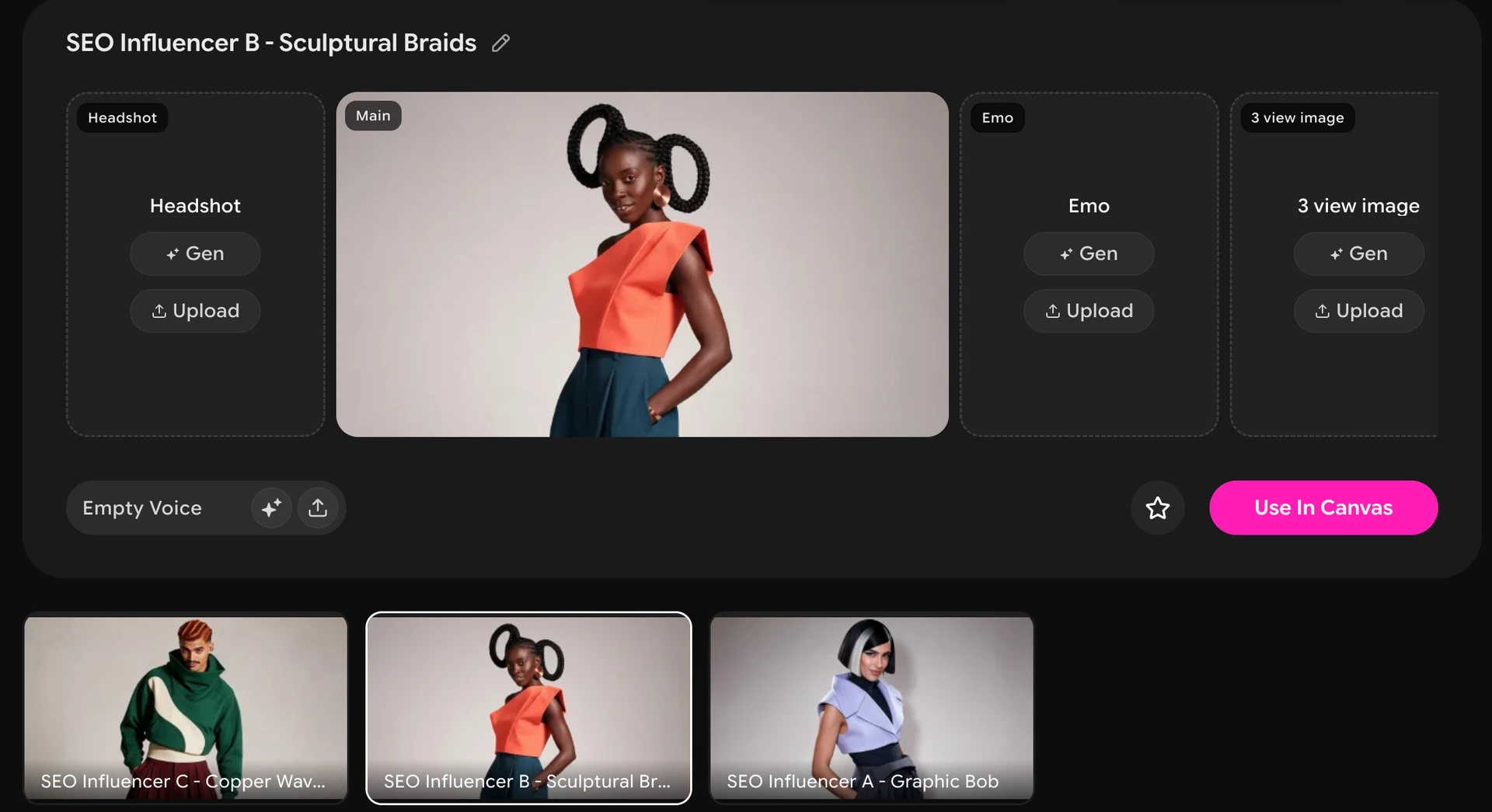
An AI influencer is a virtual character featured in social content. An AI influencer generator helps you create the character and content around them. In OiiOii, you can design your character, save it to Assets, and continue creating images and videos.
Choose Character Design, enter a description or add a reference image, and generate your character. Refine the result and save your chosen character to Assets for future projects.
Yes. Select your saved character from Assets when creating new content. Review and refine each result to keep the look you want; appearance can vary between generations.
Yes. Select your character from Assets, then use Viral Remake to create a video featuring them. You can continue editing in Canvas and add music or voice to your project.
Yes. Add a reference image to guide your character's appearance. Describe the look and style you want, then review the generated result.
OiiOii offers free access to get started, with Credits available through daily check-ins. Storyboard generation is a paid feature, and generation costs vary by task. Check the required Credits before generating.
Start with a character. See where your ideas take them.