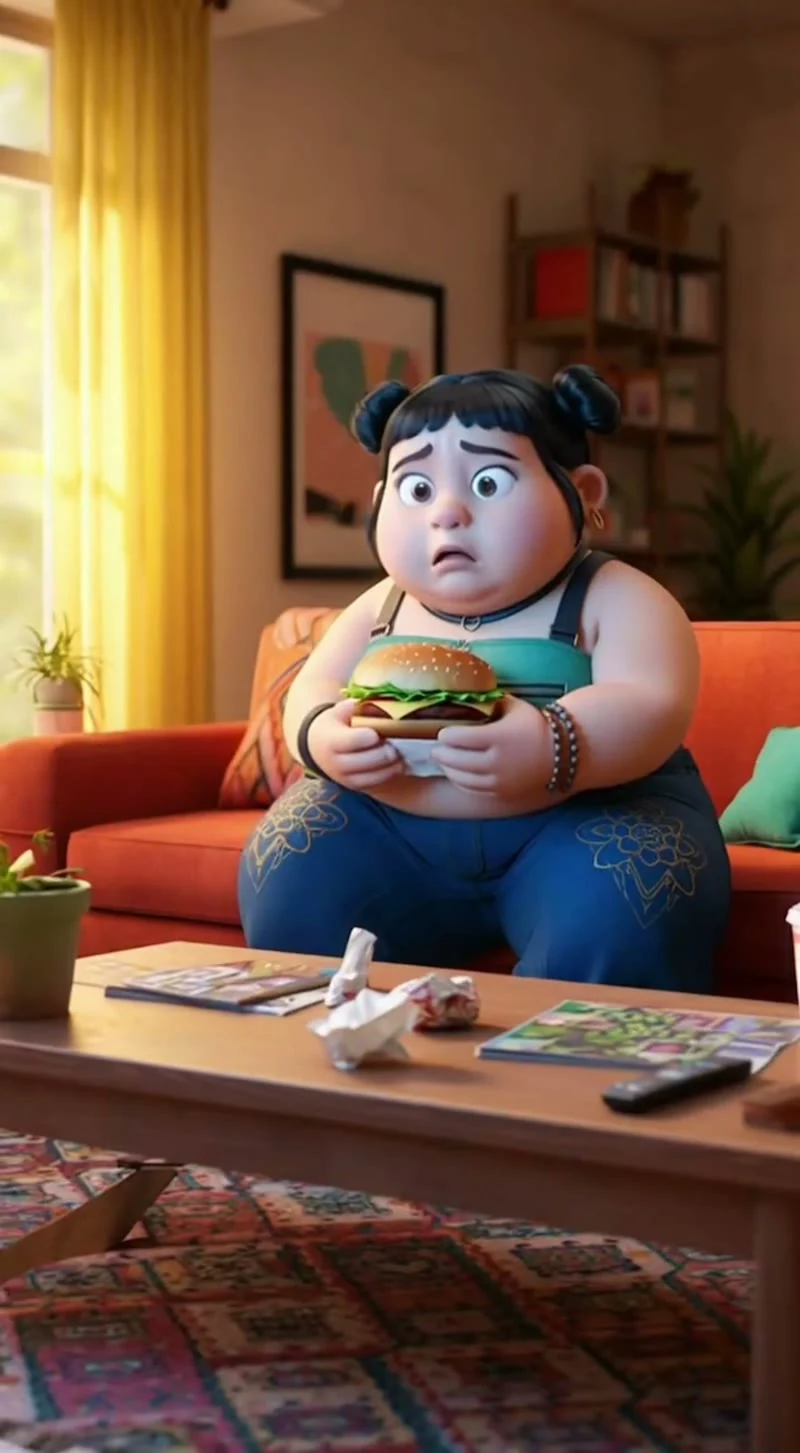
Social stories
Expressive characters. Memorable moments.
Create videos from text and images.
Bring your next idea to life with OiiOii's AI video generator. Create a single clip or build a complete story with characters, scenes, music, and voice. 30+ AI models across the workflow, 180+ style presets. Text, images, and visual references.
Free to sign up. Generation requires Credits.
From a single shot to a connected story, see what you can create.
Expressive characters. Memorable moments.
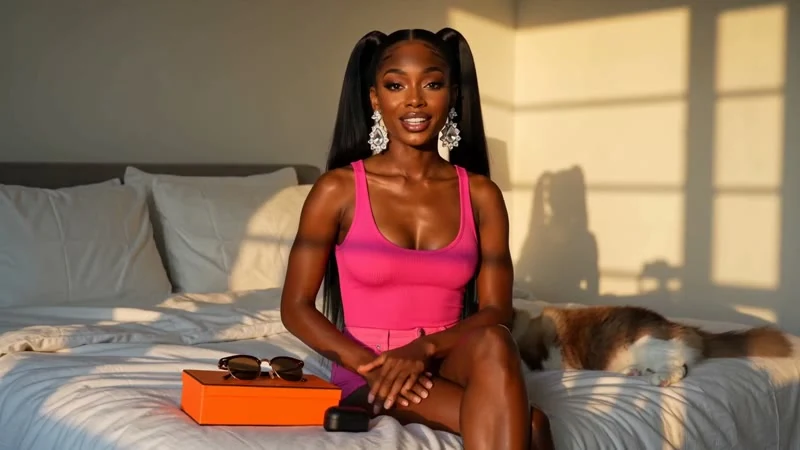
Bring a still product image to life.
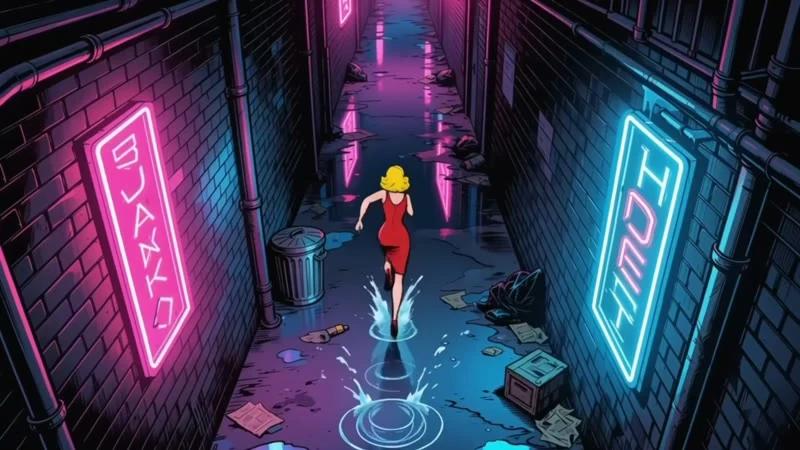
Connect shots through shared characters and settings.
Enter a prompt or upload an image. Start with a standalone clip—no full storyboard required.
Choose a model and its supported settings. Add frame or visual references where available.
Review your clip, adjust your direction, or continue in Canvas to build a longer story.
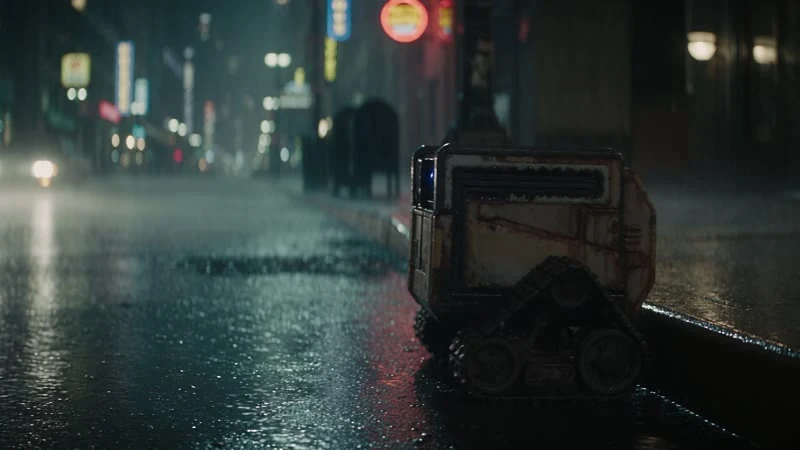
“A small robot crosses a rainy street, followed by a slow tracking shot.”
Describe a scene and bring it to life with OiiOii's text to video AI. Set the action, camera movement, and mood.
Model-specific prompt optimization simplifies AI video generation.
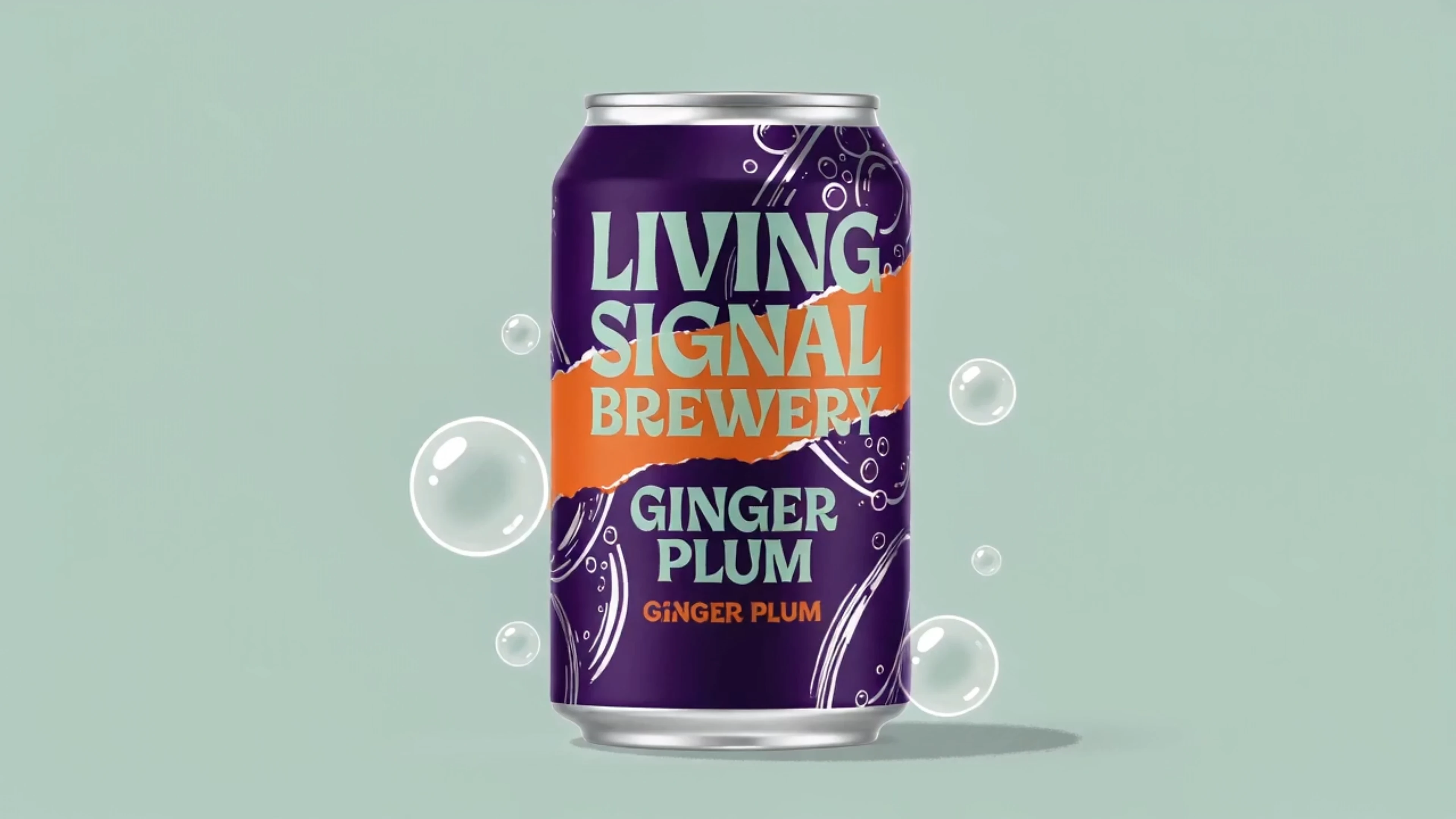
Bring a photo, product image, or illustration to life with image to video AI. Describe the movement you want.
Use first-frame, last-frame, and visual references on supported models to shape the shot.
Define how a shot begins and ends with supported frame controls.
Reuse characters, scenes, props, and references to help maintain visual consistency.
Run multiple tasks at once. Generation and editing limits depend on your plan.
Choose from anime, stylized 3D, realism, illustration, and more.
Adapt creative direction to the selected model without repetitive formatting.
Use OiiOii as an AI video maker for one clip, then expand into a complete project.
30+ AI models for scripts, images, and video—all in one workspace.
Explore visual hooks and recurring characters for your social channels.
Turn product images and campaign ideas into motion.
Develop scripts and storyboards, generate scenes, and assemble them with music and voice.
An AI video generator turns text or images into video. OiiOii also connects your clips with characters, scenes, music, and voice.
Yes. Use Text to Video to create from a prompt, or Image to Video to animate an existing visual.
OiiOii offers free access to get started, with Credits available through daily check-ins. Storyboard and video generation use Credits, and additional Credits are available through paid options.
OiiOii provides access to models from Seedance, Kling, Sora, Vidu, Wan, Hailuo, and more. Available models and settings are shown in the generator.
Reusable characters, scenes, props, and visual references help keep shots consistent. Results may vary by model and scene.
Bring it to life with OiiOii's AI video generator.