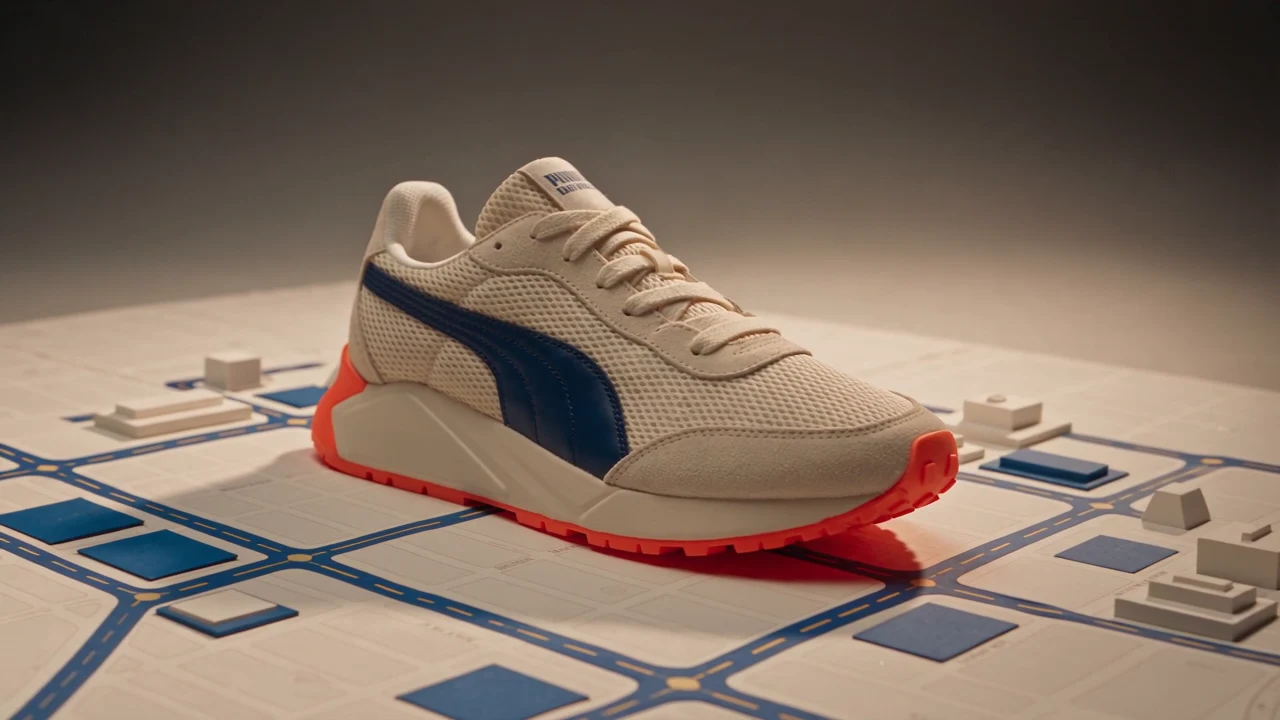
Brand Ads
Build a visual story around your product, brand mood, and message. Let the product take the lead, with or without a character.
OiiOii Advertising Agent
Turn a product image or an idea into a video ad with OiiOii Advertising Agent. Start with a ready-made Skill or create from scratch, then refine your scenes, music, and voice in Canvas. Add a character only if your story needs one.
Start with a product or an idea. Skills and characters are optional.
Explore four directions for AI-generated ads, from product-first brand stories to creator-led video content.
Build a visual story around your product, brand mood, and message. Let the product take the lead, with or without a character.
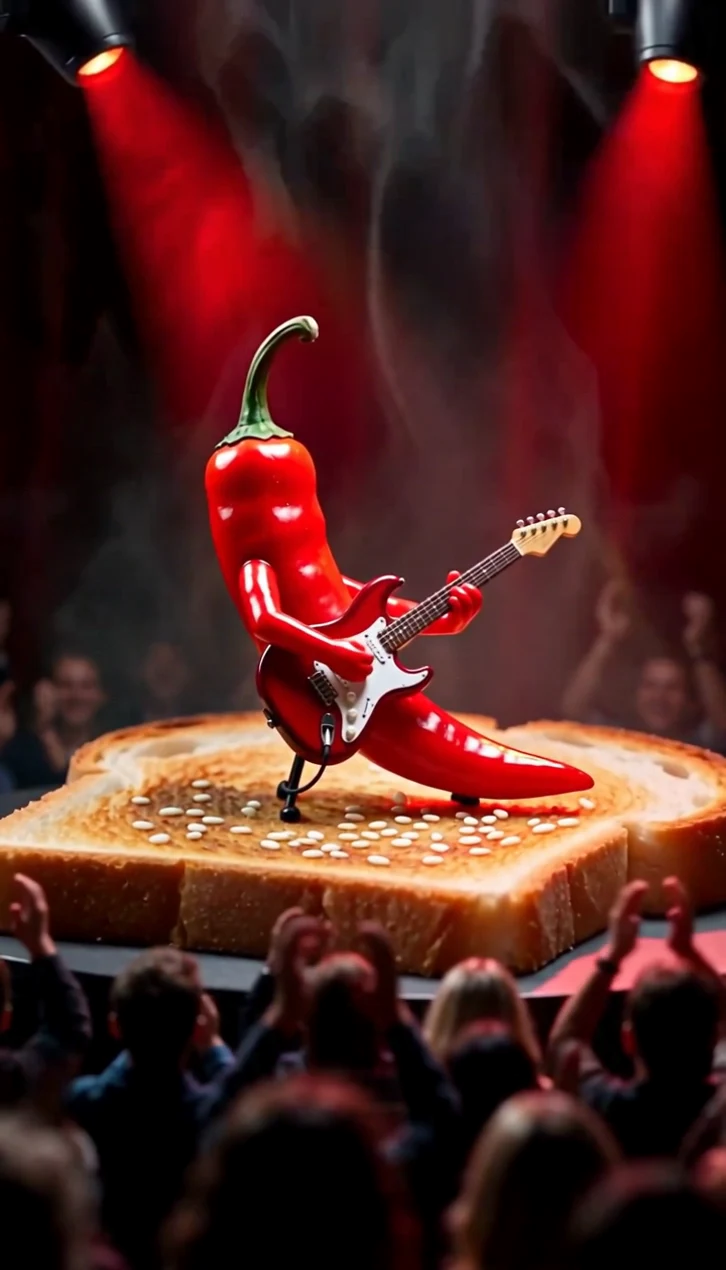
Open with a clear hook, show the product in context, and give viewers a reason to keep watching.
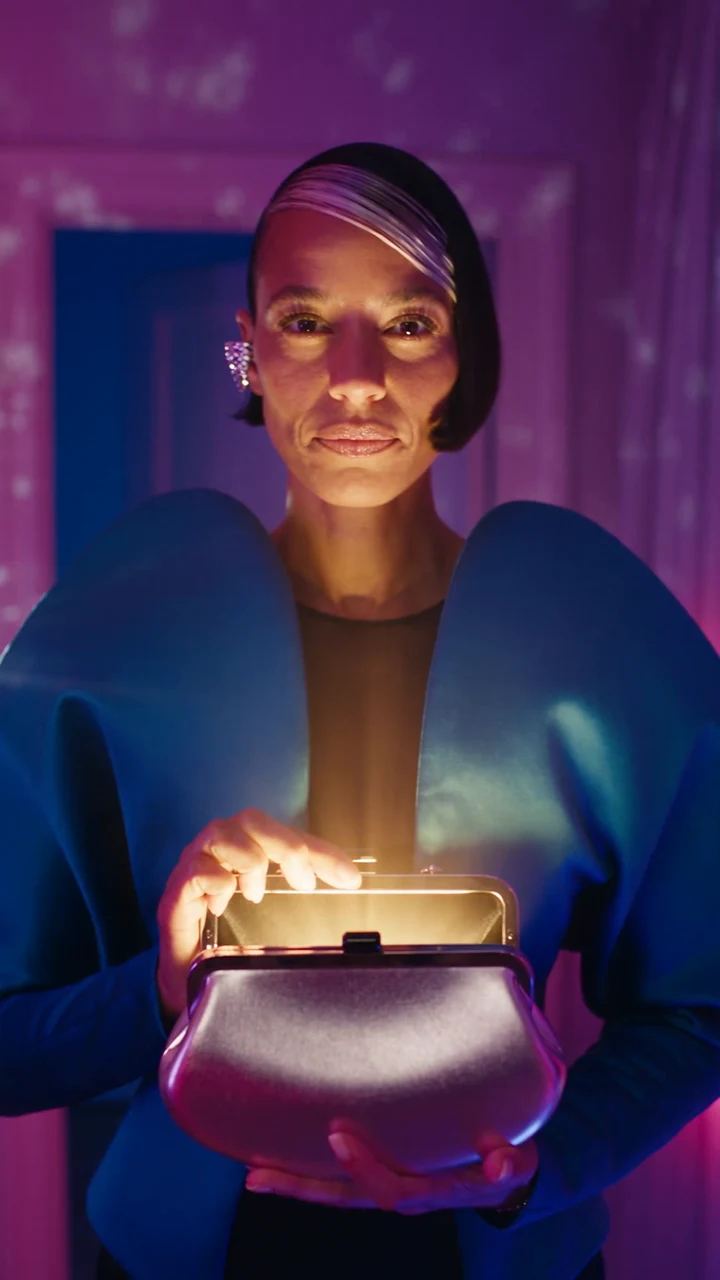
Create a character-led product story using your own character image or an original AI creator. Shape the setting and message around your brand.
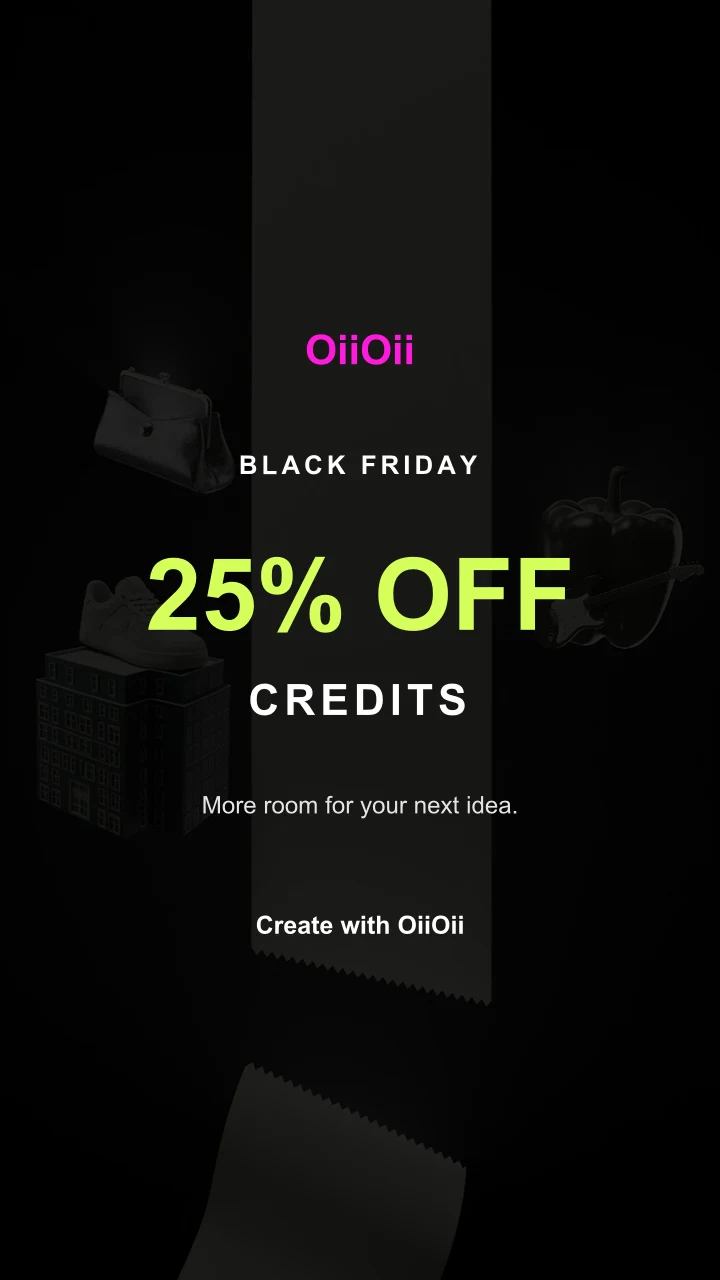
Give your product a seasonal setting and a timely message, from holiday gifting to a special promotion. This Black Friday example illustrates a promotional creative, not a currently available offer.
Choose a ready-made advertising Skill that fits your idea, then add your product and creative brief. Use its starting structure to guide your ad.
Describe the product, audience, visual style, and message in your own words. Build your own direction without selecting a Skill.
Upload a product image or describe what you want to promote. Add a character reference only when you want a person in the story.
Pick a Skill or write your own brief. Generate a single product shot, or develop a script and storyboard for an ad with several scenes.
Organize your shots, edit the sequence, and add music or voice. Review the product details, message, and final video before using it in a campaign.
Explore ad creative AI with your own direction. Take the same product into different settings, openings, and stories, then choose which versions to develop further.
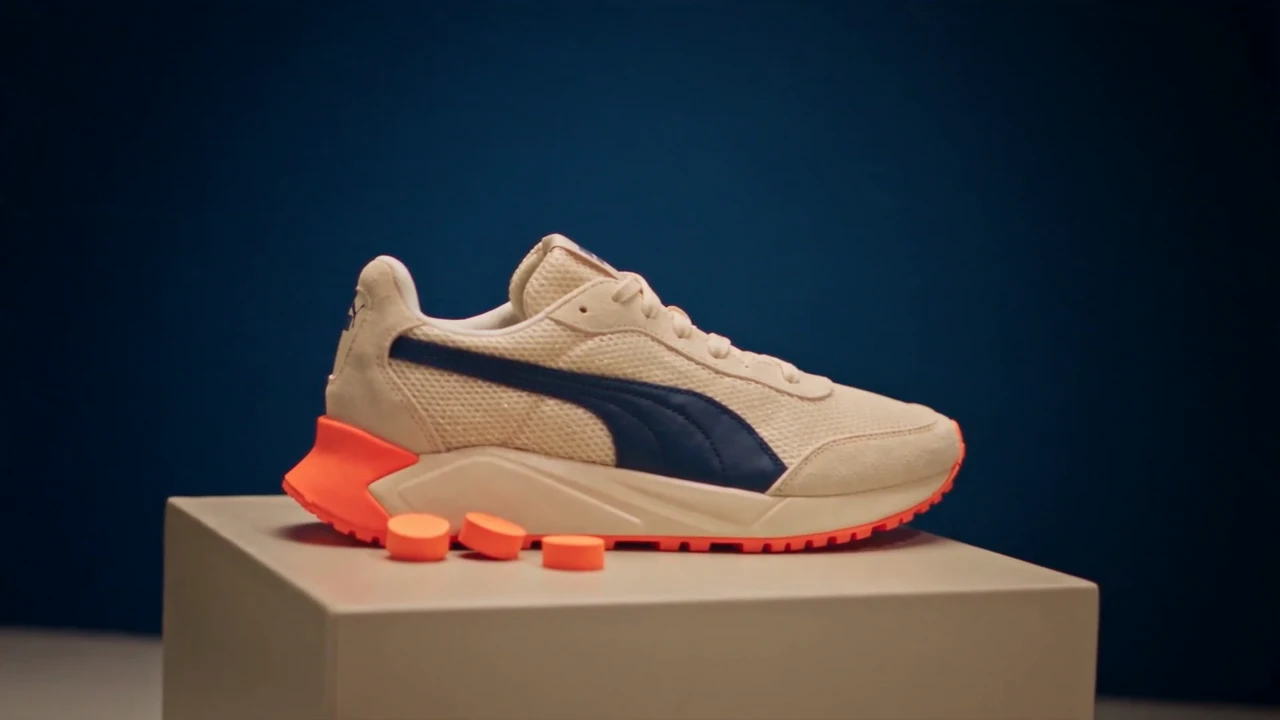
Bring the shape, finish, and details into focus with a product-first visual.
Place the product in an everyday moment, a seasonal scene, or a character-led story.
Use OiiOii Advertising Agent to develop creative options for your AI marketing workflow. Keep product claims accurate and test finished ads with your audience.
If you are learning how to create ads with AI, start with a product image or a clear brief. Choose a Skill or create from scratch, generate your scenes, and refine the sequence in Canvas. Give your ad a clear opening, a focused message, and a next step for viewers.
No. You can start with a product and your own creative brief. A character and a ready-made Skill are optional, not required steps.
Yes. Start with your product image and describe the setting, movement, and style you want. Review generated results for changes to packaging, logos, proportions, and other important product details.
Look for a workflow that fits your starting materials, gives you control over the creative direction, and lets you refine the result. OiiOii brings AI video creation tools and Canvas editing into the same workspace, with optional Skills for a guided start.
They can be, but using an AI video ads generator does not guarantee better results. Performance depends on your offer, audience, creative, and campaign setup. For AI digital marketing, compare finished ads using campaign data such as click-through rate, conversions, and cost per result.
Yes. TikTok offers generative AI creative tools through its Symphony suite. For TikTok AI advertising, OiiOii can help you create video content, but creating a video is separate from uploading it, running a campaign, or measuring results on TikTok.
Generating video creative is only part of a campaign. OiiOii helps you create and refine video assets. Audience targeting, budgets, ad submission, and performance measurement are separate tasks handled in your advertising workflow.
Start with a product, an image, or an idea. Choose a Skill or take your own creative direction.