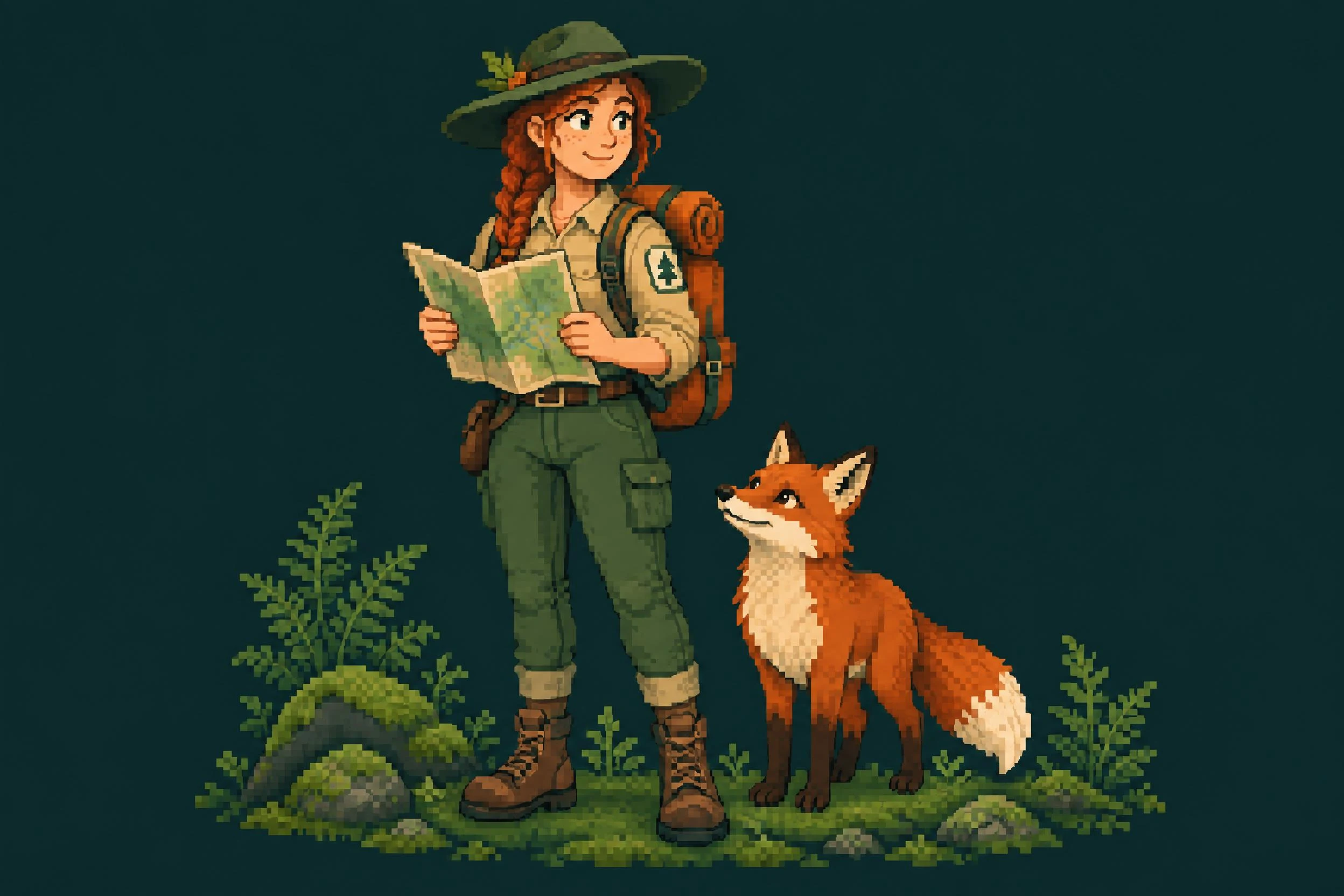
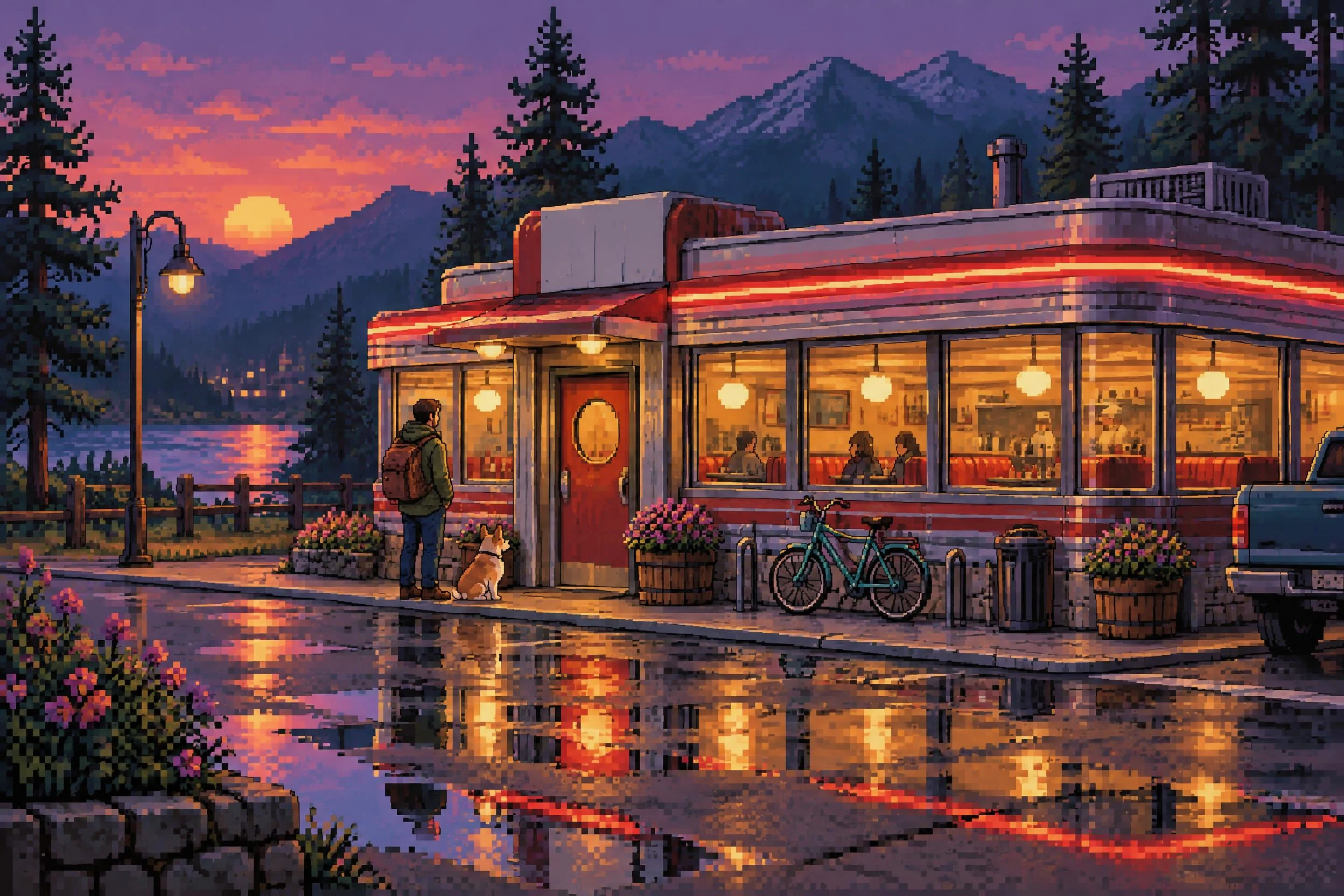
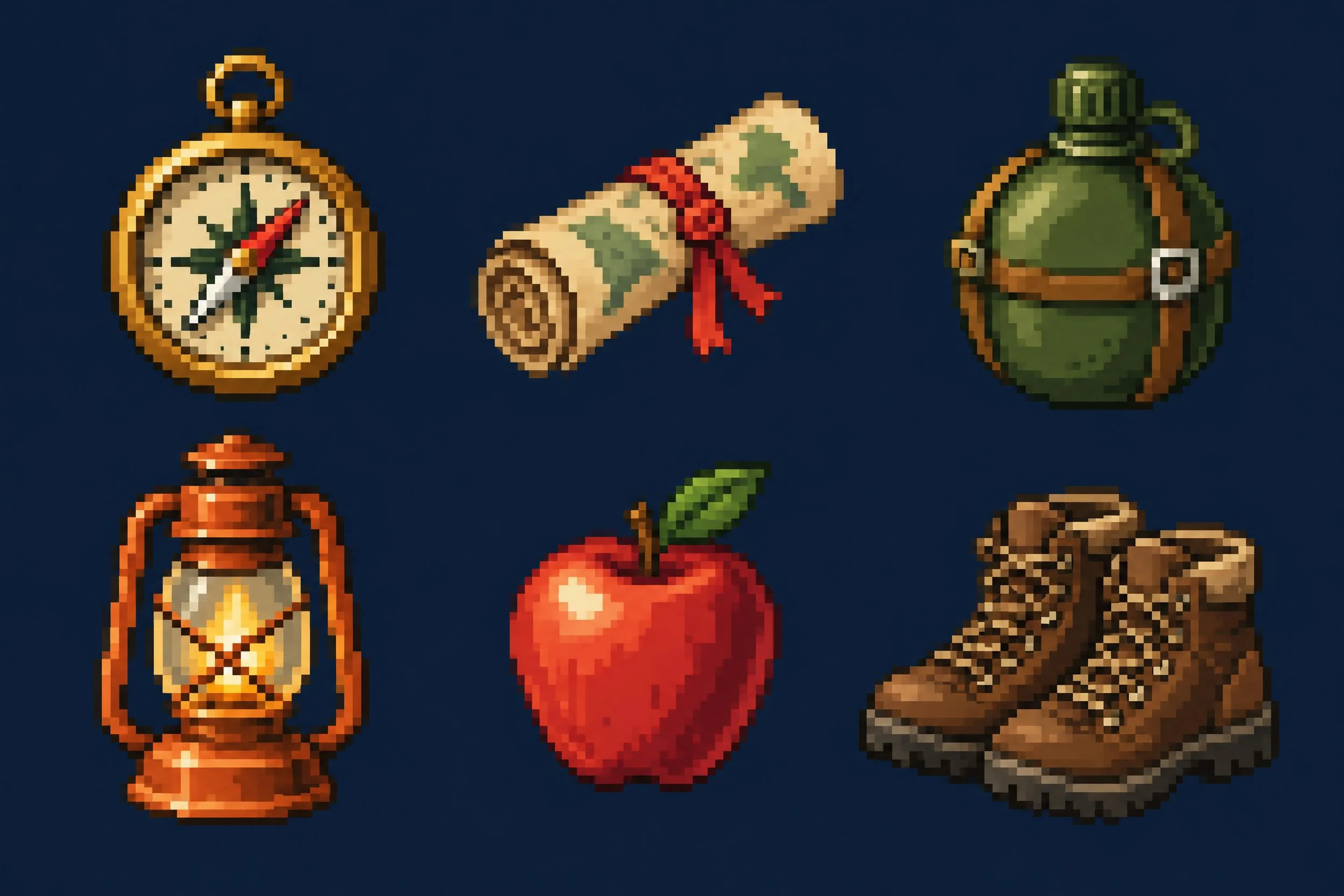
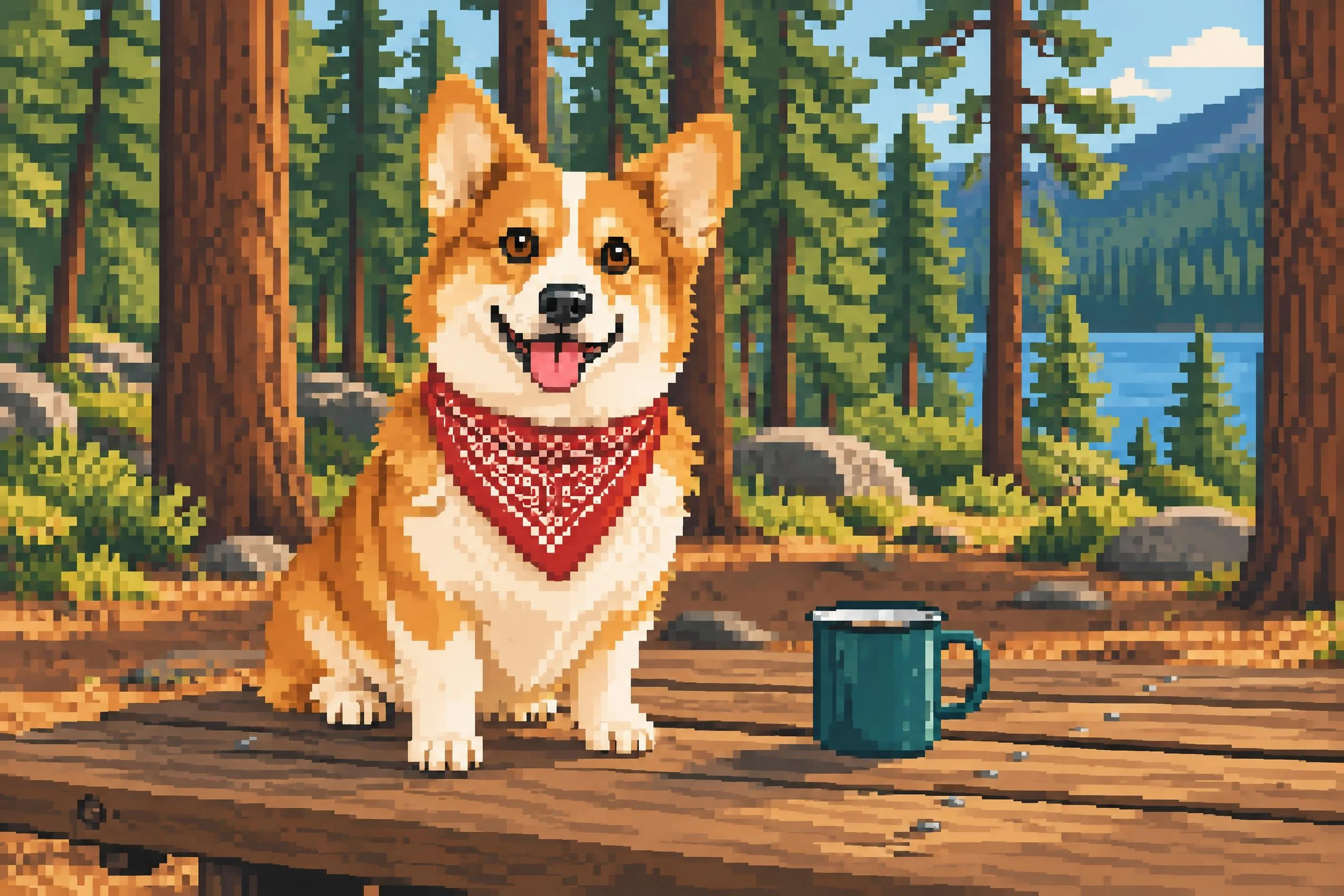
A pixel-art look and a production-ready sprite are different deliverables. The examples on this page demonstrate visual design. They do not prove exact grid alignment, a fixed palette, transparency, or animation-ready frames.
Check dimensions and pixel edges
If your game needs a 32 x 32 sprite, inspect the downloaded dimensions and rebuild or clean it on that grid in a pixel editor. A high-resolution image requested as "32 x 32" is not proof that the file meets that specification. Use nearest-neighbor scaling when enlarging finished pixel art to keep edges crisp.
Check backgrounds and repeated assets
A plain background is not transparency. Inspect the alpha channel before importing. For tiles, test every seam in a repeated pattern. For animations, check frame size, alignment, and motion continuity.
Judge it where it will appear
View icons at their intended on-screen size, not only zoomed in. Simplify details that disappear, remove stray pixels, and match the rest of your art before shipping.